If you’re in a logistics-intensive business, your vehicles are literally the wheels of your business. Your cars, cargo vans and trucks are indispensable to your enterprise, and hence they must be protected adequately.
Now that doesn’t mean you send out escort parties out on the road with each of your vehicles. But you can achieve a similar level of security with GPS asset tracking. Not just security, you can have next-level transparency in vehicle management too.
What is GPS Asset Management?
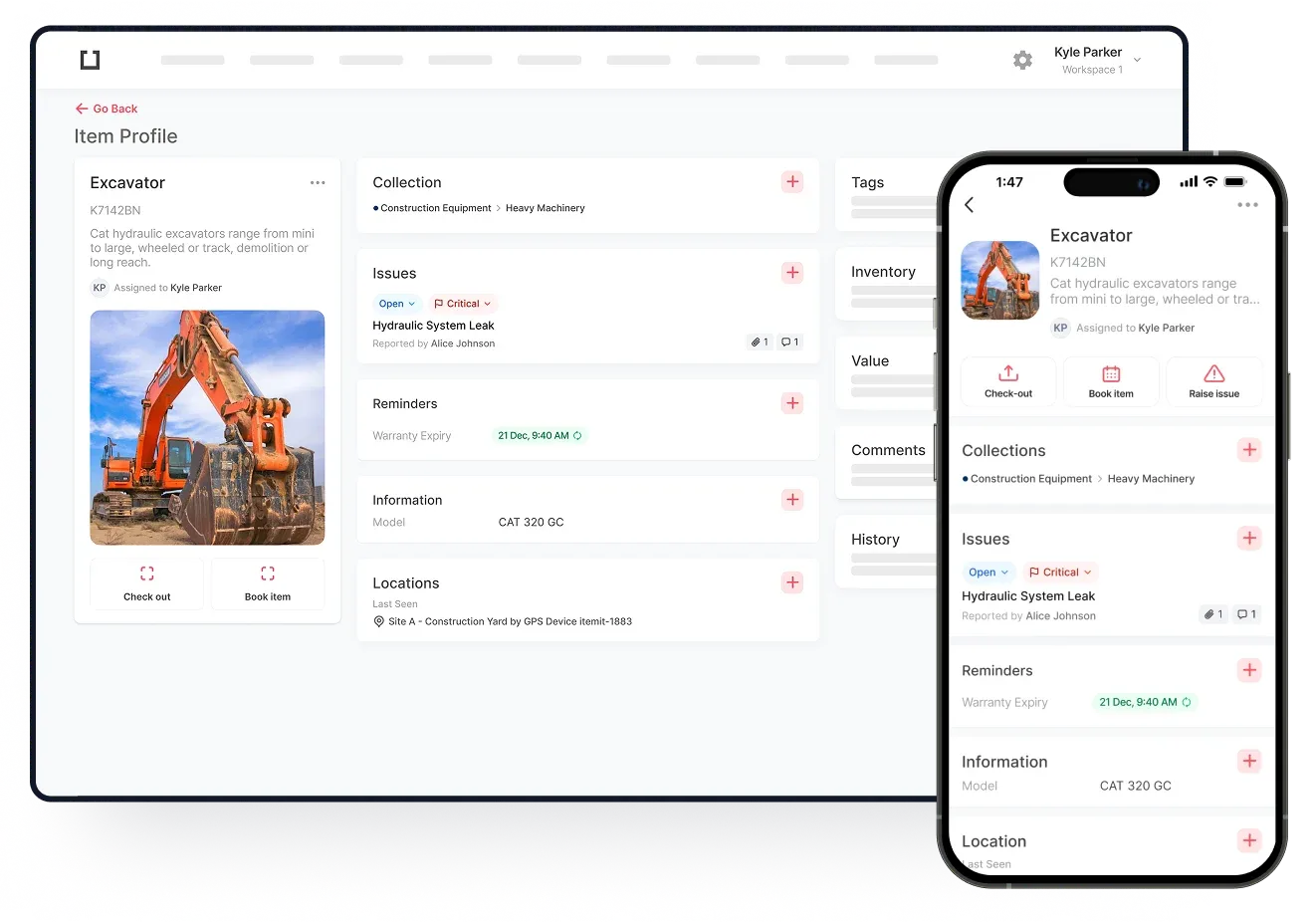
GPS asset management lets you track the live locations for each of your assets through a streamlined, easy-to-use asset register. Like conventional asset tracking uses QR code asset tags, GPS asset tracking involves GPS trackers.
GPS trackers are battery-powered devices that you can attach to your vehicles. The tracker serves two purposes: it gives a unique asset identity to the vehicle and after regular intervals, pings the live location to the asset management software.
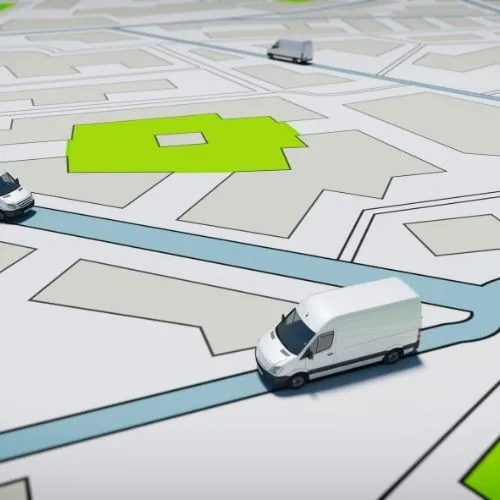
While QR code or RFID asset tags need you to scan them to update the location in the asset tracking software, GPS trackers do it automatically. Not just that, GPS trackers let you track assets from remote locations. The trackers come with an annual data plan and SIM card and can be plugged into the vehicle for power. This means you’ve got live location tracking for your vehicles no matter where they go.
How to Set Up GPS Asset Management for Your Vehicles
Tracking your vehicles with itemit GPS asset management is pretty simple. Here’s a step-by-step guide to help you set it up:
- Create an asset profile for a vehicle. It’s a good idea to include the vehicle’s model, registration number and other details.
- If the vehicle is driven by a specific driver, you can use the assignee feature to assign it to them.
- Head to the Tags section. Here, you’ll need to add the GPS tracker’s IMEI number. You will find the 15-digit IMEI number on the back of the GPS tracker box. Just below the barcode.
- Once you’ve linked the GPS tracker with the asset profile, it will start updating the last seen location automatically.
- The itemit team will help you set the location update interval. Note that you can also use the update button to see where your asset is at any given moment.
You can watch the video tutorial for GPS tracking setup too. itemit’s location tracking feature shows you a map to see the asset’s location history and all other details right from the app or web portal.
 Watch video