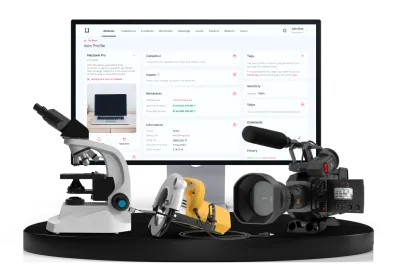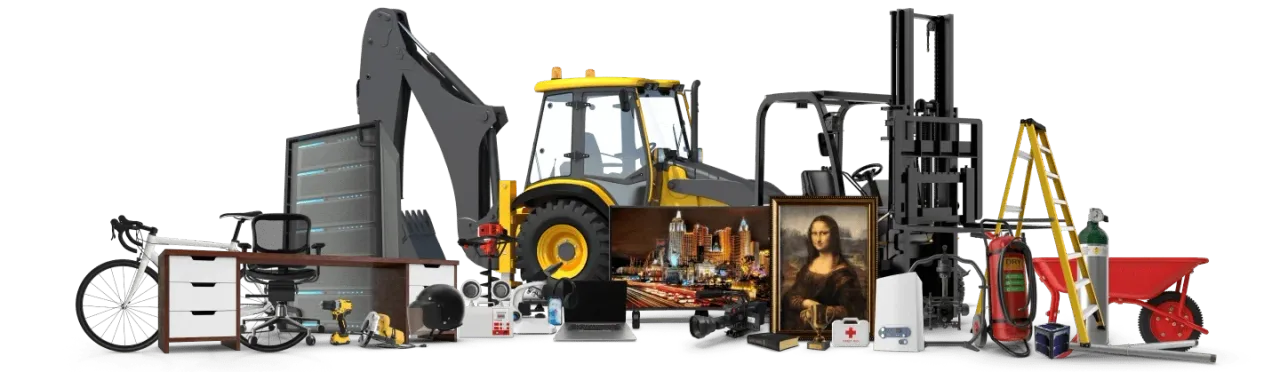
Asset tracking systems are built on the uniquity of your tools and equipment. The idea is that, if all assets are unique, they can all be tracked, managed, and controlled better.
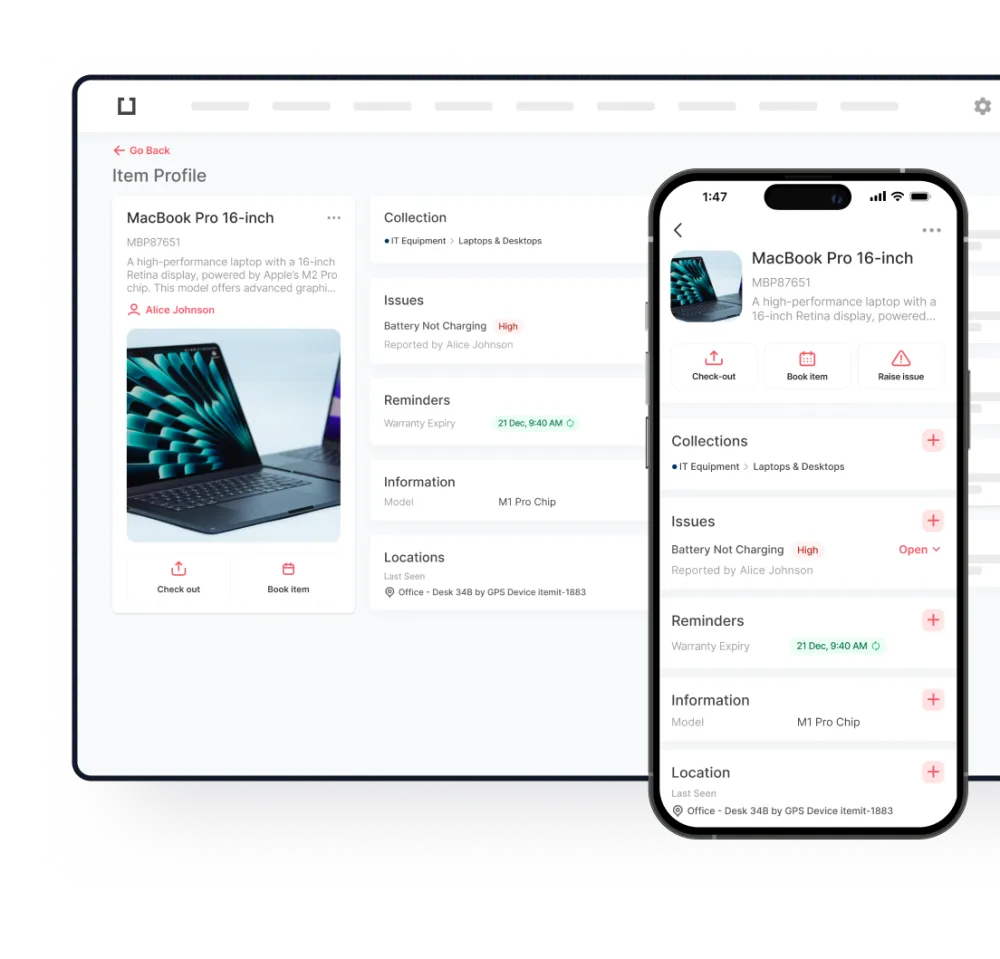
In a sense, your asset tracking software will work like social media. Your assets will have their own personal profiles with information and data added to these.
This is how you'll track and manage assets: uniquely. When it comes to inventory management, you'll want to track assets in bulk, but if you're looking for which asset requires maintenance, a unique asset profile can come in handy.
Using Asset Tracking Software
Asset tracking software is built around your assets. The inception of asset tracking software comes from a past of using spreadsheets to track and manage asset changes.
Spreadsheets are unwieldy and ineffective when it comes to tracking assets that undergo frequent changes. Every time an asset changes status, whether this is in terms of location, user, or if it requires maintenance, a spreadsheet becomes out of date.
Asset tracking software mitigates this, though. There are multiple levels of automation possible when you're tracking your assets in an effective software which can treat your equipment uniquely.
As you'll be using a cloud-based system, every change updates across the board instantly. This means that you'll still be able to manage and export a spreadsheet of your fixed asset register, but that you'll also be able to track the smaller things with much greater ease.
Why You Need To Use Asset Tags
Asset tags help speed up your asset audits, as well as help with indicating to your software that your assets are unique.
This is why we recommend using QR code asset tags. QR codes can be globally unique, where barcodes may not be. For example, as barcodes often contain pricing information, it's not effective to use existing barcodes as asset labels.
Using QR code asset tags, however, gives you much greater ease of use, speed, and functionality.
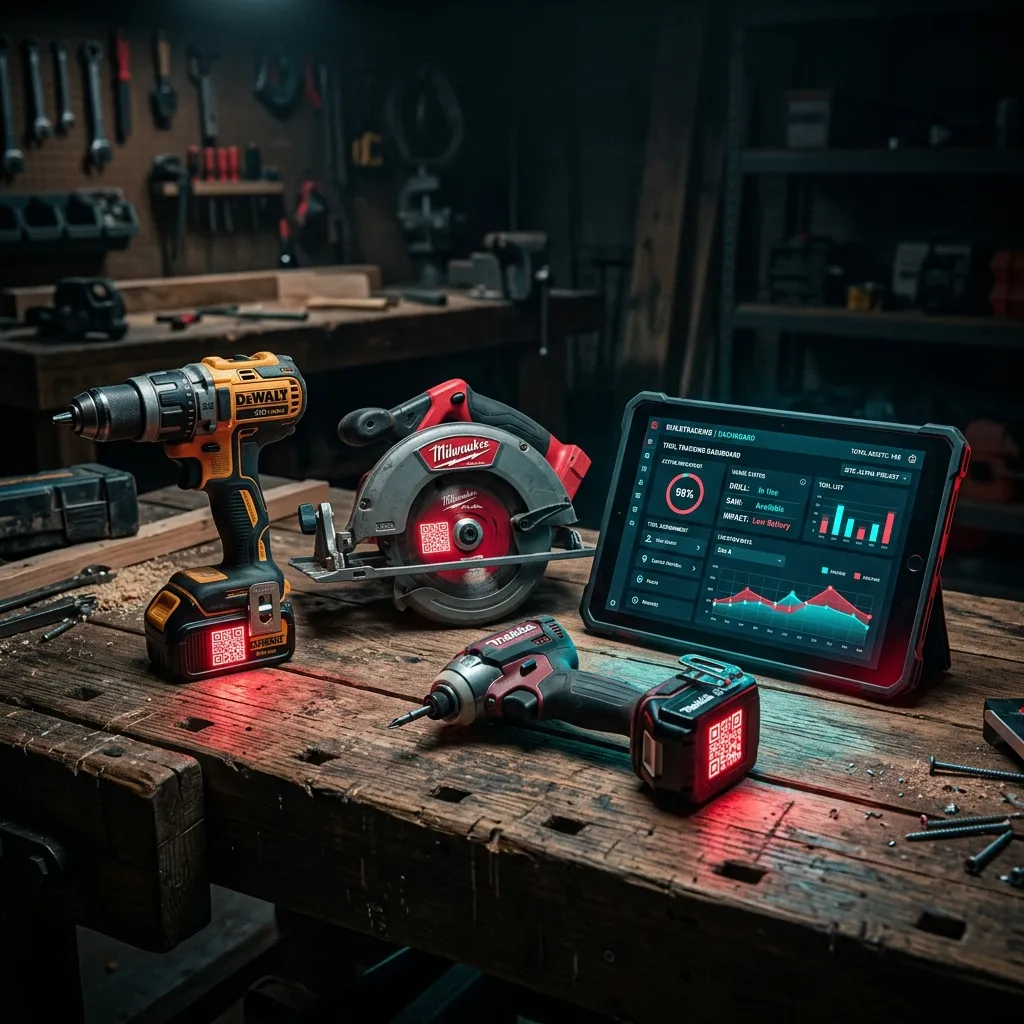
All you need to do is stick your QR code asset tag onto your physical asset and scan it into the corresponding digital asset profile.
Now every time you scan the asset, the corresponding profile will appear, ready for editing. Every scan will update your asset's last seen location, too, which is handy for audit trails and asset retrieval.