Multilingual Asset Tracking Software
Track assets in your language.
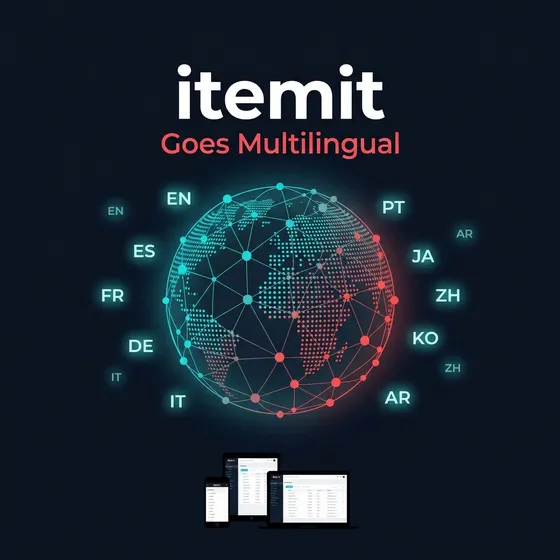
itemit supports 10+ languages across Web, iOS, and Android — so every team member can work in their native language. Faster onboarding, fewer errors, higher adoption.

10+ Languages: English, Spanish, French, German, Italian, Portuguese, Japanese, Chinese, Korean, and Arabic.
Per-User Preference: Each team member sets their own language independently — no admin intervention needed.
All Platforms: Consistent multilingual experience across Web dashboard, iOS, and Android apps.
RTL Support: Full right-to-left interface support for Arabic-speaking teams.
Asset Tracking Software in Your Language
Looking for asset tracking software in Spanish? Asset tracking software in French? Asset tracking software in Arabic? itemit has you covered. Our platform is fully localised for 10+ languages, meaning every button, menu, notification, and report label appears in your chosen language.
Unlike competitors that bolt on basic translations as an afterthought, itemit's multilingual asset management was built into the platform from the ground up. Every language variant is professionally translated and tested by native speakers to ensure accuracy and natural phrasing.
Who Benefits from Multilingual Asset Tracking?
- Construction companies with multilingual field crews who need to scan QR tags, report issues, and check out equipment in their own language.
- NGOs and charities managing assets across dozens of countries where local staff need to independently manage inventory.
- Education institutions with international staff managing IT equipment, lab gear, and AV hardware across campuses.
- Facilities management teams with diverse cleaning, maintenance, and security workforces.
How to Switch Your Language
Switching languages takes seconds. On the web dashboard, navigate to Profile Settings and select your preferred language. On iOS and Android, go to Settings and tap Language. Changes take effect immediately, and each team member can set their own language independently without affecting anyone else.
Ready to empower your global team? Book a demo or read our full announcement: itemit Goes Multilingual: Asset Tracking in Your Language.
