Shared Calendar and List Views
Plan work in month view or switch to list view for day-to-day control. Teams can reserve by exact date and time while seeing who has what, reducing clashes before they happen.
Reserve equipment in shared calendars, check items out to named users, automate return reminders, and keep custody records audit-ready.
Equipment booking software is a digital scheduling and custody system that lets teams reserve, issue, and return shared equipment with confidence. It combines live calendar availability, rule-based booking windows, and user-level accountability into one workflow. Staff can check items out from a phone, confirm handovers with signatures, and receive automated return reminders before due dates. Managers get real-time visibility of what is booked, what is overdue, and who is responsible at every moment. By replacing manual spreadsheets with centralised records, organisations reduce double bookings, speed up turnaround times, and maintain a defensible audit trail across sites and departments.
Built to reflect real operational workflows: reserve in advance, check out with accountability, manage approvals, and close the loop with controlled check-in and issue reporting.
Plan work in month view or switch to list view for day-to-day control. Teams can reserve by exact date and time while seeing who has what, reducing clashes before they happen.
Move items through Booked, Checked Out, Overdue, Missed, and Completed states with full timestamps. Availability updates immediately, so every team works from the same source of truth.
Run bookings with or without approval. Support request states such as Pending, Approved, and Rejected, with clear reviewer attribution and optional restricted booking rules.
Capture signatures at handover, store notes against each booking, and keep a defensible custody chain for audits, disputes, and compliance evidence.
Validate availability while creating bookings, including partial-day conflicts and slot-level time options. Teams can reserve with confidence even in high-demand schedules.
Link bookings and requests to locations so operations teams can coordinate by site, room, or zone and maintain a clean movement trail across distributed locations.
Support pending check-in review flows, approve selected items, and raise issues from the same workflow when returns arrive damaged or incomplete.
Export bookings to CSV or PDF for handover packs, reporting, or audits. Track export progress and download completed files when needed.
A visual workflow from reservation to return, designed for busy operations teams.

Reserve equipment in advance and prevent schedule collisions with clear calendar visibility.
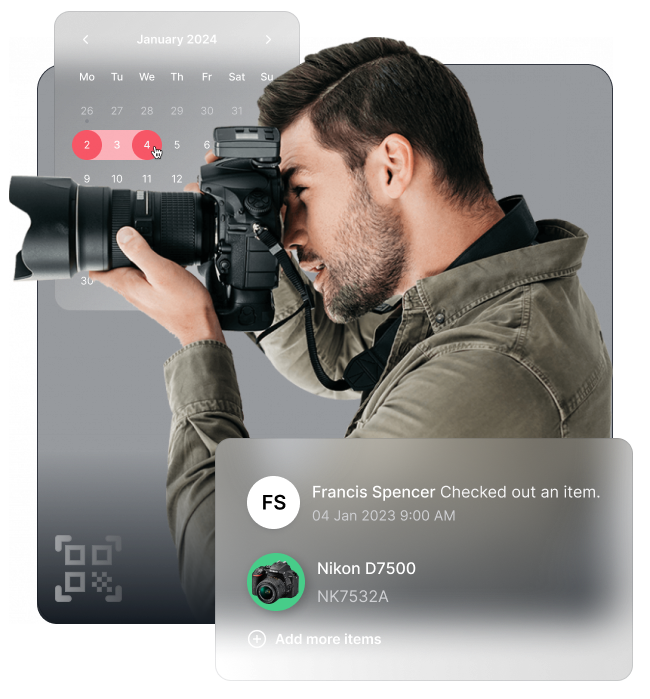
Check items out to named users in seconds and keep responsibility clear at handover.
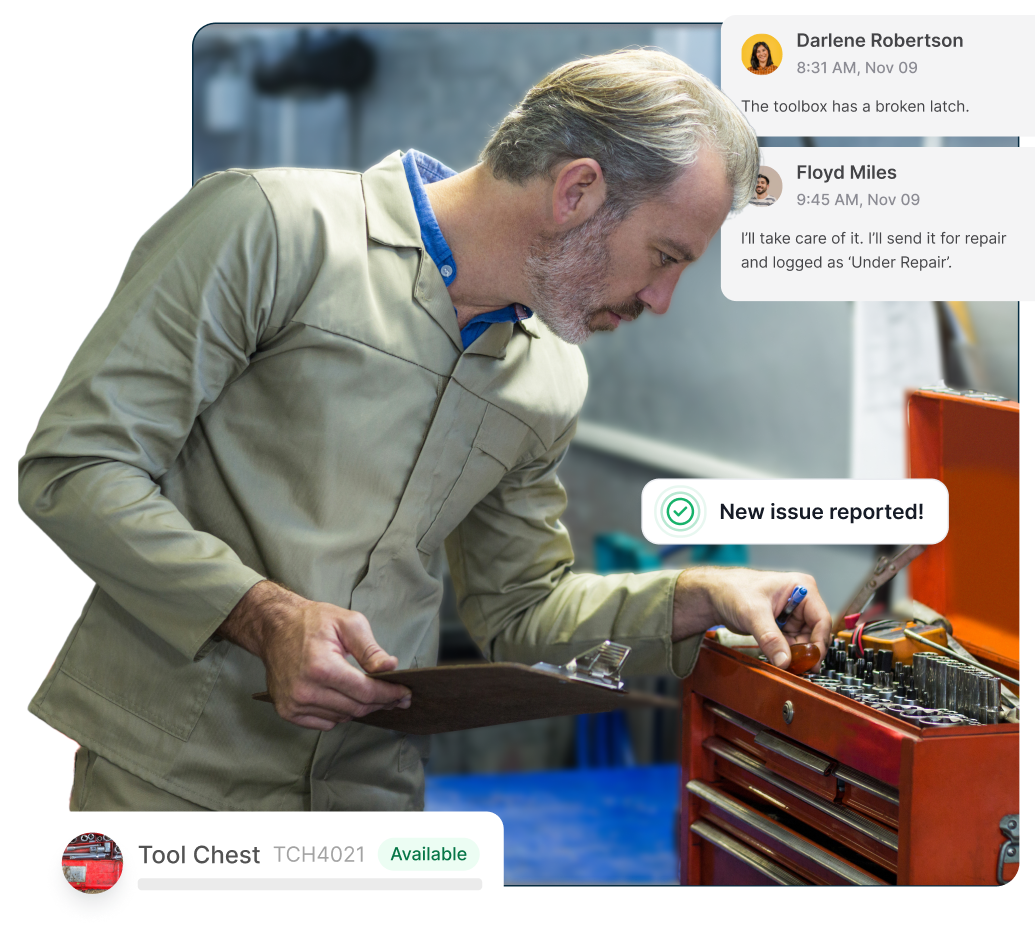
See who has each item, what is overdue, and what is ready for the next booking window.
Select items, assignee, date, and time. Optional no-return-date bookings support open-ended custody.
If approvals are enabled, requests move through pending review before they become active bookings.
Issue to the assignee, capture signature if required, and optionally add booking notes and files.
Process returns, approve check-in requests, and log issues for damaged or incomplete returns.
itemit shows live availability in a shared booking calendar so your team can reserve equipment with clear start and end times. If an item is already booked, others immediately see that slot is unavailable.
Yes. itemit sends automated reminders before and at return due times so equipment is returned on schedule and ready for the next booking.
Yes. Signature capture can be recorded at check-out and check-in, giving you a clear custody chain and stronger accountability.
Start your trial. 14 days. No risk. No credit card.
