Check in and check out using itemit’s features
Did you know you can use itemit as an easy stocktaking solution?
With itemit's many features, not only can you track the location and status of your assets with QR code asset tags, you can also check in and out your assets.
This is helpful in any industry, from construction to Learn more about itemitcharities, anyone who needs to check in and out assets will benefit from our app.
If you own a library, are in a creative industry, if you're a builder and need effective tools and equipment tracking or even if you simply rent things out, a check in/ check out feature is crucial to looking after your assets. itemit will automatically create a fixed asset register as you go and so you'll instantly be able to see what's checked in and what's out on loan with one click.
So, how do you use our simple asset management software for easy stocktaking? Check out our simple step by step below.
1. login.
Don't forget can download our barcode asset tracking software free and get supercharged barcodes: metal qr code asset tags!

2. Create your asset(s).

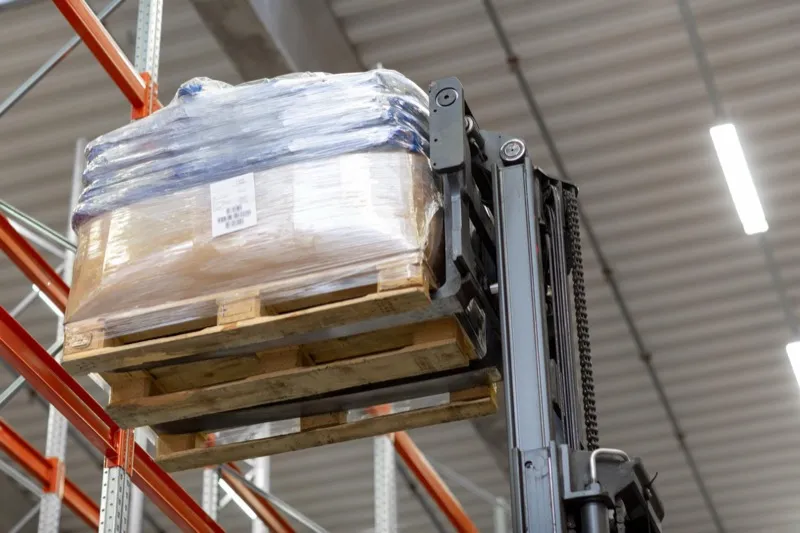
3. Click on "new label" on the side menu of the home screen.
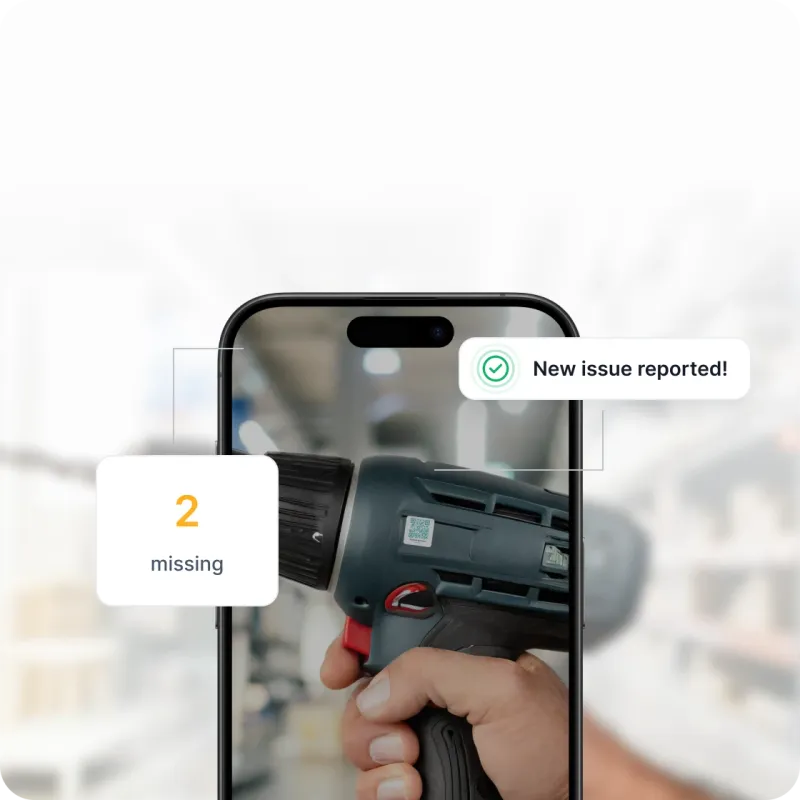
4. Add a "Check in" label and save it.

5. Repeat steps 3 and 4 with a "check out" logo.

6. On your asset profile, click on the plus next to "labels".

7. Apply the relevant label.

8. You're done! Whenever you need to change the status of an asset, click on labels to change them.
Remember, you can use our unique QR code asset tags to instantly see an asset's profile.