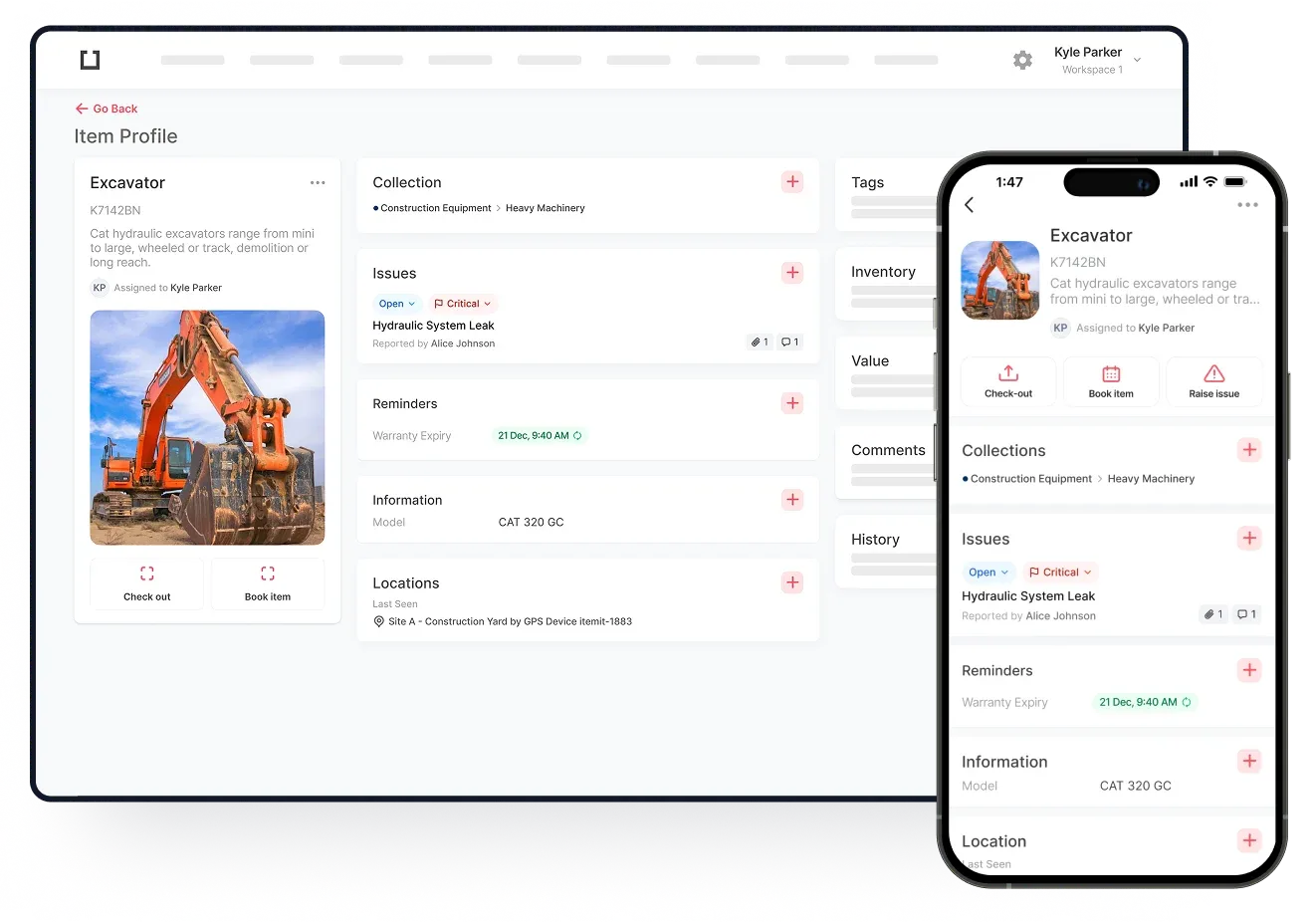
Almost every business has at least a few IT assets. Assets such as these can be a major part of any business. They can help to create orders, keep businesses in contact with customers, and ensure the business runs smoothly. As a result, Ideally, the management tool used will help with IT asset life cycle management. Tracking the life cycle of every IT asset is of prime importance. In fact, the better the life cycle management, the better a business can run.
Keeping Your Assets In The Best Possible Condition
With the right IT asset management tool, you can potentially keep your IT assets in the best possible condition.
Ideally, the management tool you use will allow you to set maintenance reminders. Reminders such as these ensure you receive a notification whenever maintenance is due. Not only will you, the current user receive a notification, but the maintenance team can too. As a result, the computer you’re using is more likely to stay in the best possible condition.
Should something go wrong with an IT asset, your management tool could also help you. Let’s imagine that you have just dropped a laptop. The screen has broken and when you try to switch it on nothing happens. Using your asset management tool, you could notify the maintenance team of what has occurred. You could even send them a photograph of the damage and upload it to the software. The maintenance team can then have a clearer idea of what has occurred.
Knowing that you can help to improve the life cycle of your assets in this way can be very satisfying. It can also help your IT assets to last a lot longer. As a result, your business could spend less money buying replacement IT assets.

Understanding Who Is Using Your Assets
Another excellent feature of some management tools is they allow you to track who is using your IT assets. For example, one IT asset management tool may require every user to check the asset out and back in again.
With this information, you can see who has been using your computer and even why they were using it. In addition to this, users can leave notes about why they were using a company tablet, for example, and if there were any issues with it.
This information can come in very handy when it comes to understanding whether you have a sufficient number of assets. It can also be useful if you need to find out who was using the tablet at 2pm on Tuesday when it stopped working.