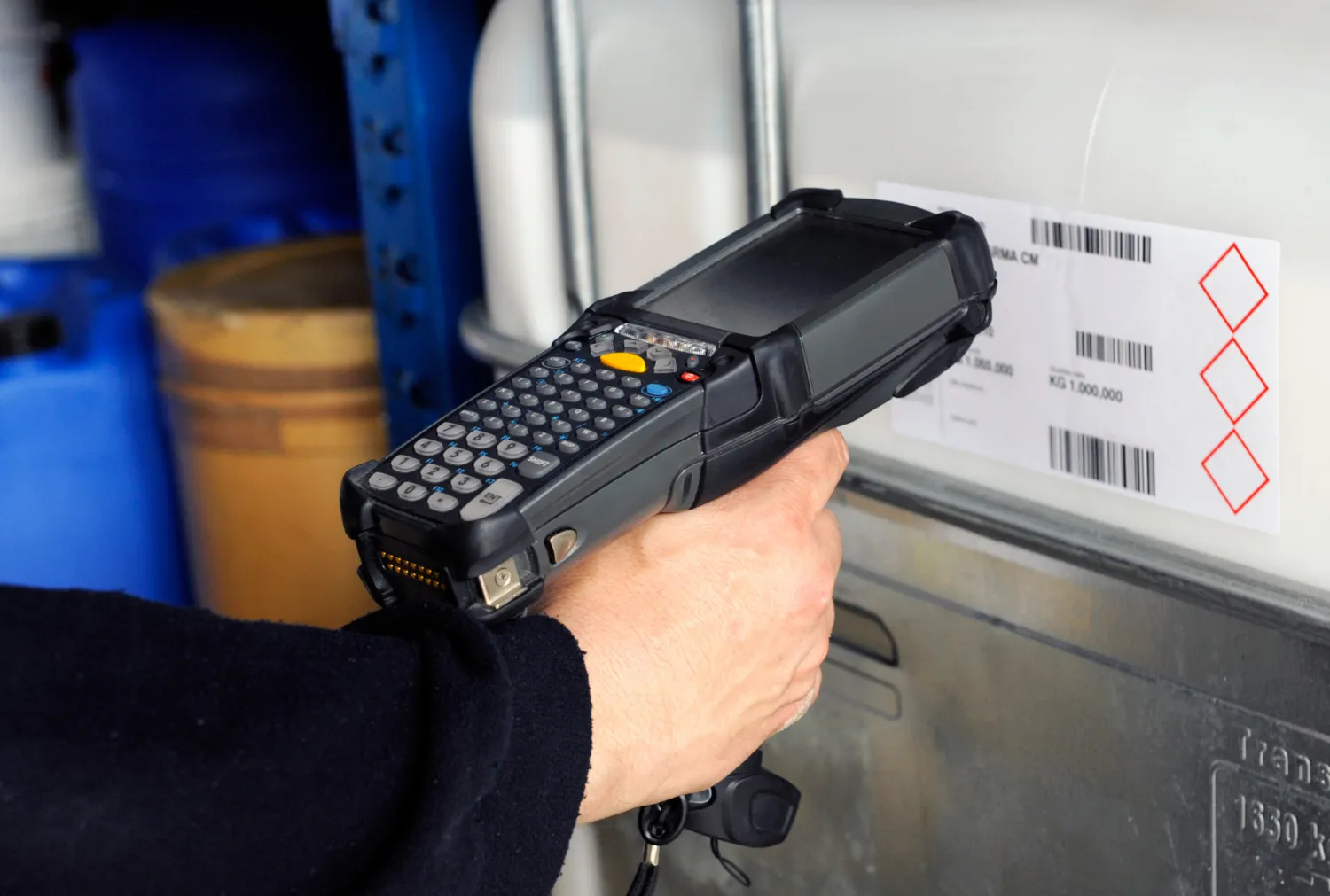
Selecting the right inventory scanner can dramatically improve your operational efficiency and accuracy. This guide helps you navigate the options to find equipment that truly matches your business requirements.
The Hidden Costs of the Wrong Scanner Choice
Productivity Drains
Businesses frequently underestimate the financial impact of choosing an inadequate inventory scanner. When workers struggle with unreliable equipment, productivity plummets as they resort to manual workarounds or repeatedly scan items. Research indicates companies using inappropriate scanners for inventory waste up to 3,500 hours annually on rescanning and troubleshooting.
Data Accuracy Problems
Data errors represent another significant hidden cost. Subpar inventory barcode scanners typically have error rates between 1-3%, which might seem small until calculated across thousands of transactions. Each error potentially triggers stockouts, overstock situations, or customer disappointments.
Hardware Replacement Frequency
Hardware replacement frequency also impacts your budget dramatically. Consumer-grade scanners for inventory might cost less initially but typically require replacement every 18-24 months in commercial environments. In contrast, industrial inventory scanner options might function reliably for 5-7 years, substantially reducing your total ownership costs. Systems using permanent asset tags on inventory items further enhance tracking accuracy regardless of scanner quality.
Scanner Technology Decoded
Hardware replacement frequency also impacts your budget dramatically. Consumer-grade scanners for inventory might cost less initially but typically require replacement every 18-24 months in commercial environments. In contrast, industrial inventory scanner options might function reliably for 5-7 years, substantially reducing your total ownership costs. Systems using permanent asset tags on inventory items further enhance tracking accuracy regardless of scanner quality.

Scanning Engines: 1D vs 2D vs RFID
Understanding scanner engine technology helps you avoid purchasing either too much or too little capability. 1D scanners read traditional barcodes and work well for retail and light warehouse applications. 2D inventory scanner models read both traditional barcodes and QR codes, supporting additional data capacity and damaged code reading. RFID systems don't require line-of-sight and can scan multiple items simultaneously, though at higher implementation costs. For companies implementing RFID Asset Tracking, specialised scanners with RFID capability ensure compatibility with your tagged assets.
Processing Power Significance
Processing power significantly impacts scanner performance yet rarely appears in marketing materials. The processor determines how quickly the scan gun for inventory can decode information and transfer it to your management system. Budget models might delay 2-3 seconds per scan – seemingly small until multiplied across hundreds of daily scans.
Memory Capacity Requirements
Memory capacity requirements vary by business size and scanning patterns. Small retail operations might function perfectly with 256MB RAM, while warehouse operations using an advanced scanner for inventory management might require 1 GB+ to handle offline operations when network connectivity drops.
Matching Scanner Types to Business Operations
Retail Needs
Retail environments present unique scanning challenges. Front-end inventory barcode scanners must prioritise quick checkout experiences through rapid scanning and intuitive aiming. Backroom inventory applications require durability to withstand box cutting, dropping, and constant use.
Warehouse Requirements
Warehouse scanning requirements differ dramatically based on your picking method. Piece picking operations benefit from lightweight inventory scanner options with precise aiming features. Case picking environments need more rugged scanners for inventory with extended range capabilities to reach upper warehouse locations without ladder climbing.
Production Line Considerations
Production lines present unique scanning challenges, including vibration, dust, and sometimes extreme temperatures. Manufacturers should prioritise IP (Ingress Protection) ratings and sealed designs in their top barcode scanners for inventory selection.
Field Operation Needs
Field operations expose equipment to weather, transportation stress, and unpredictable conditions. Companies with mobile inventory teams should evaluate drop specifications, operating temperature ranges, and battery performance in various environmental conditions before selecting handheld inventory devices.
Gun-Style vs. Straight-Shooter Designs
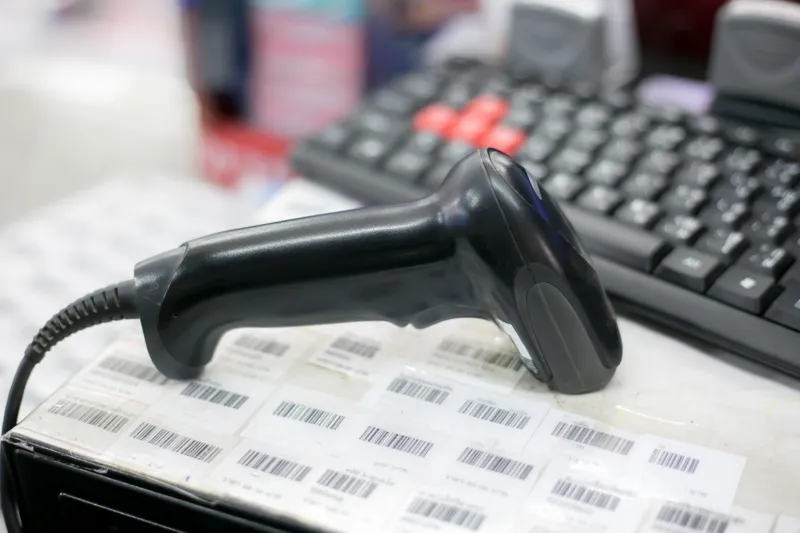
The physical design of your inventory scanner dramatically impacts user efficiency and comfort. Gun-style designs excel for frequent scanning from various angles but add weight and bulk. Straight-shooter designs offer comfort for occasional scanning or desk-based applications.
Wearable Options
Wearable options revolutionise hands-free operations for picking environments. Ring scanners, wrist-mounted units, and headset-based systems free workers to handle materials while scanning, potentially increasing throughput by 30% compared to traditional inventory scanner designs.
Fixed-Mount Considerations
Fixed-mount scanners solve specific workflow challenges at receiving docks, conveyor systems, or checkout areas. These dedicated scanners for inventory eliminate the potential for equipment wandering off or battery management issues but lack flexibility for changing business needs.
Mobile Computer Hybrids
Mobile computer hybrids combine scanning capability with computing power, eliminating the need for separate devices. These all-in-one inventory barcode scanners reduce equipment costs and simplify training but typically cost more upfront than dedicated scanners. The handheld computer approach works especially well for businesses requiring complex data entry alongside scanning functionality.
Connectivity Architecture Planning
Bluetooth Range Limitations
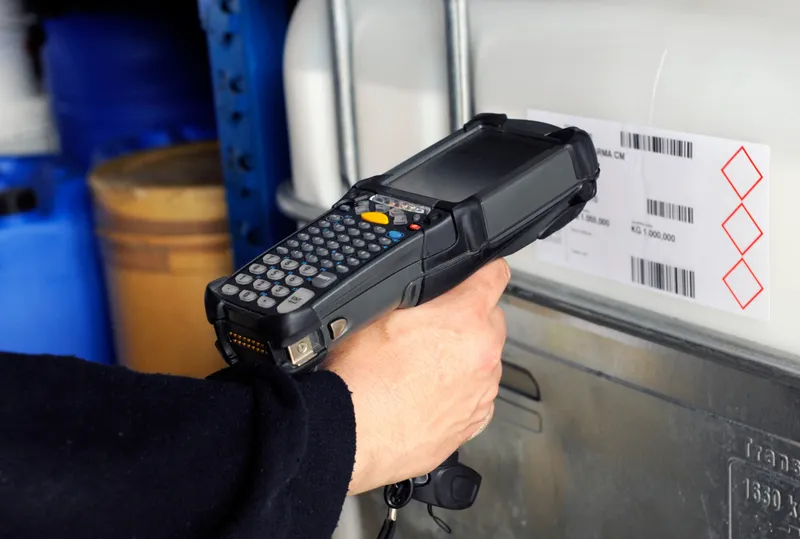
Bluetooth connectivity offers cable-free convenience but introduces range limitations. Standard Bluetooth barcode scanner for inventory options maintains stable connections up to 33 feet from their host device, while extended-range models might reach 300+ feet in optimal conditions. Consider your facility layout carefully when evaluating Bluetooth options.
WiFi Dead Zones Management
WiFi dead zones plague many facilities and can render wireless scanners for inventory temporarily useless. Conducting a proper site survey before deployment identifies potential connectivity gaps. Look for models offering offline scanning modes that store data until connectivity restores.
Cellular Options
Cellular-enabled inventory scanner options solve connectivity challenges for companies managing inventory across multiple locations or in the field. These models typically cost more and may require data plans but eliminate connectivity concerns almost entirely.
Offline Capabilities
Offline capabilities vary dramatically between models. Basic offline functionality might store just 500 scans, while advanced top barcode scanners for inventory might hold 50,000+ scans with transaction data. Evaluate your typical operation time between syncs when determining required offline capacity.
Software Ecosystem Compatibility
Native Integration vs. Middleware
Native integration capabilities streamline implementation and reduce ongoing support needs. The best handheld barcode scanner options for your business will connect directly with your inventory management systems without requiring middleware or custom programming.
Real-Time Sync Capabilities
Real-time synchronisation speeds vary dramatically between models and impact operational visibility. High-performance inventory scanner systems update your central database within seconds of scanning, while budget options might batch transmit data hourly or require manual syncing.
SDK Availability
SDK (Software Development Kit) availability matters for businesses with custom applications or specialised workflows. Leading inventory scanner manufacturers provide comprehensive development tools enabling customisation for unique business requirements.
API Access Levels
API access levels vary between manufacturers and models. Open API systems allow complete integration with your existing business systems, while closed systems limit connectivity options. Evaluate how your chosen scanner for inventory management will communicate with your broader business technology ecosystem.
Real Total Cost Calculation
Initial Hardware Investment
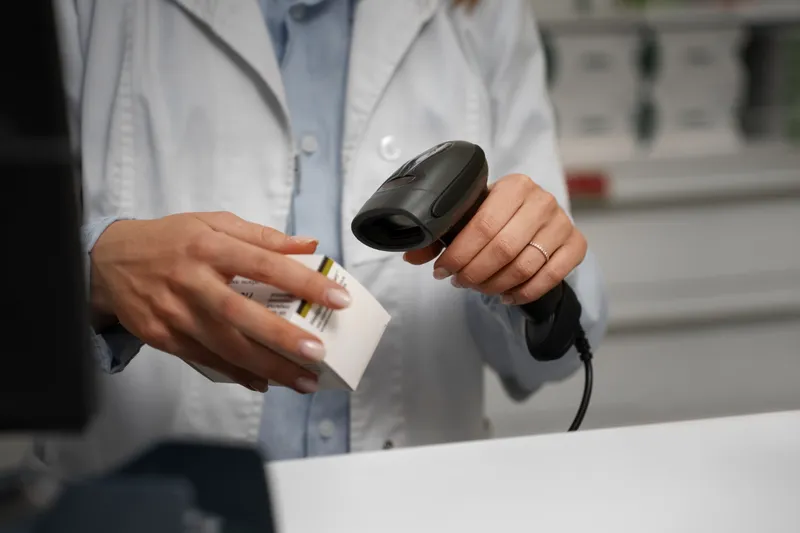
Initial hardware investment represents just 30-40% of the true five-year cost of inventory scanner ownership. Business-grade scanners typically range from $200 for basic models to $2,000+ for advanced rugged options with integrated computing capabilities.
Battery Replacement Cycles
Battery replacement cycles significantly impact operational costs. Consumer-grade scanners for inventory often use proprietary batteries lasting 500-700 charge cycles, requiring replacement within 12-18 months of heavy use. Industrial options might include hot-swappable batteries enabling continuous operation across shifts.
Support Contract Evaluation
Support contracts vary dramatically in coverage and response time. Basic warranties might cover only manufacturing defects, while premium support for top barcode scanners for inventory includes accidental damage, battery replacement, and next-day shipping for critical failures.
Training Time Requirements
Training requirements vary by scanner complexity. Intuitive inventory scanner designs might require just 15-30 minutes of orientation, while advanced models with customisable buttons, multiple scanning modes, and integrated computing may demand several hours of training per employee.
Maximise Your Investment with itemit's Complete Solution
Your inventory scanner choice directly impacts operational efficiency and accuracy. When paired with the itemit asset tracking solution, you gain a powerful system that transforms raw scans into actionable business intelligence. itemit's cloud platform seamlessly integrates with leading scanner hardware while providing the software infrastructure needed for true inventory visibility. Take the next step by scheduling a personalised demonstration of how the right scanner and software combination can optimise your specific inventory workflows.