Today’s schools have moved on from the brick-and-mortar approach of teaching with chalk and blackboard. Now, students are given digital devices to study and teachers are equipped with high-tech gadgets that enable them to teach difficult concepts much more easily. The introduction of technology in the school has its benefits, but it also comes with its responsibilities.
One of these responsibilities is to keep track of the numerous digital devices and other fixed assets in a school. Of course, when you’re dealing with hundreds of assets, fixed asset management becomes virtually impossible with conventional asset tracking methods. This is where itemit’s school asset manager app comes in.

What is a School Asset Manager App?
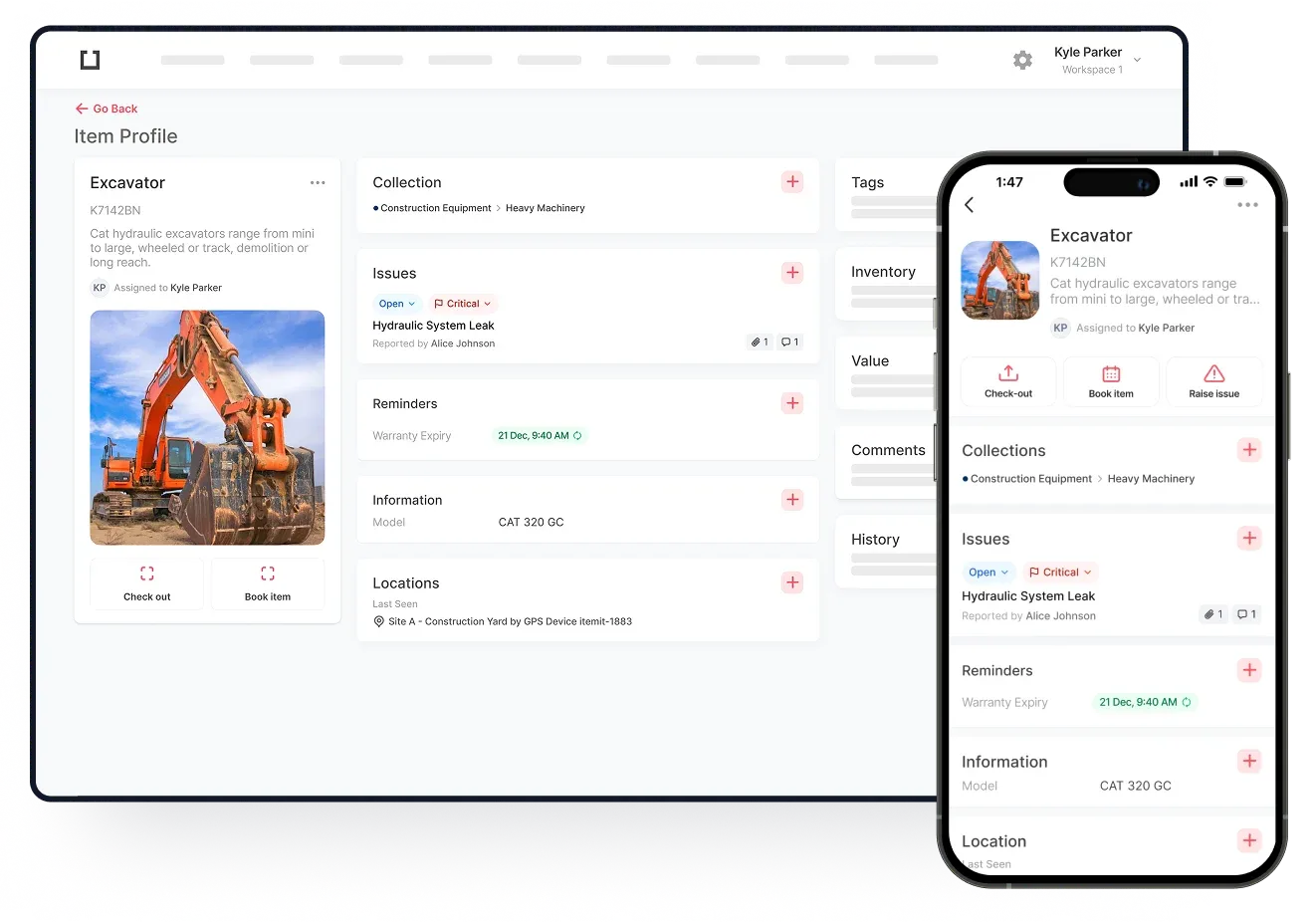
The school asset manager app is a specialised software that lets you add, record and monitor all the fixed assets that your school uses. itemit has a mobile app and a web portal that you can use to access your school’s fixed asset register from anywhere.
All you have to do is open the app, add an asset, populate the asset profile with the relevant details and voila! Do this for all your fixed assets and you’re done.
This app gives you a clear overview of all your fixed assets so you can see what you have and what you don’t have. It’s accessible to authorised personnel at all times. It also has a range of other useful features you can use which we’ll discuss a bit later.
What Can You Track With a School Asset Manager App?
itemit’s school asset manager app is for tracking fixed assets. But if you’re not sure what these are, here’s a brief explainer: a fixed asset is anything that you’ve purchased with the intention of using it for more than one year. These are, of course, business assets that the school owns. In other words, if an item circulates amongst students, teachers, school staff, or between all three, you should track it.
Here are a few examples:
- Print textbooks
- Lab equipment
- Student desks
- Tablets
- Laptops
- Office chairs
- Cafeteria equipment
- First aid items
- Bathroom supplies
- Printers
- Standing desks
- Projectors
- E-readers
Although this list doesn’t cover everything you’d be tracking in your school asset manager app, this should give you an idea of the assets you can track.