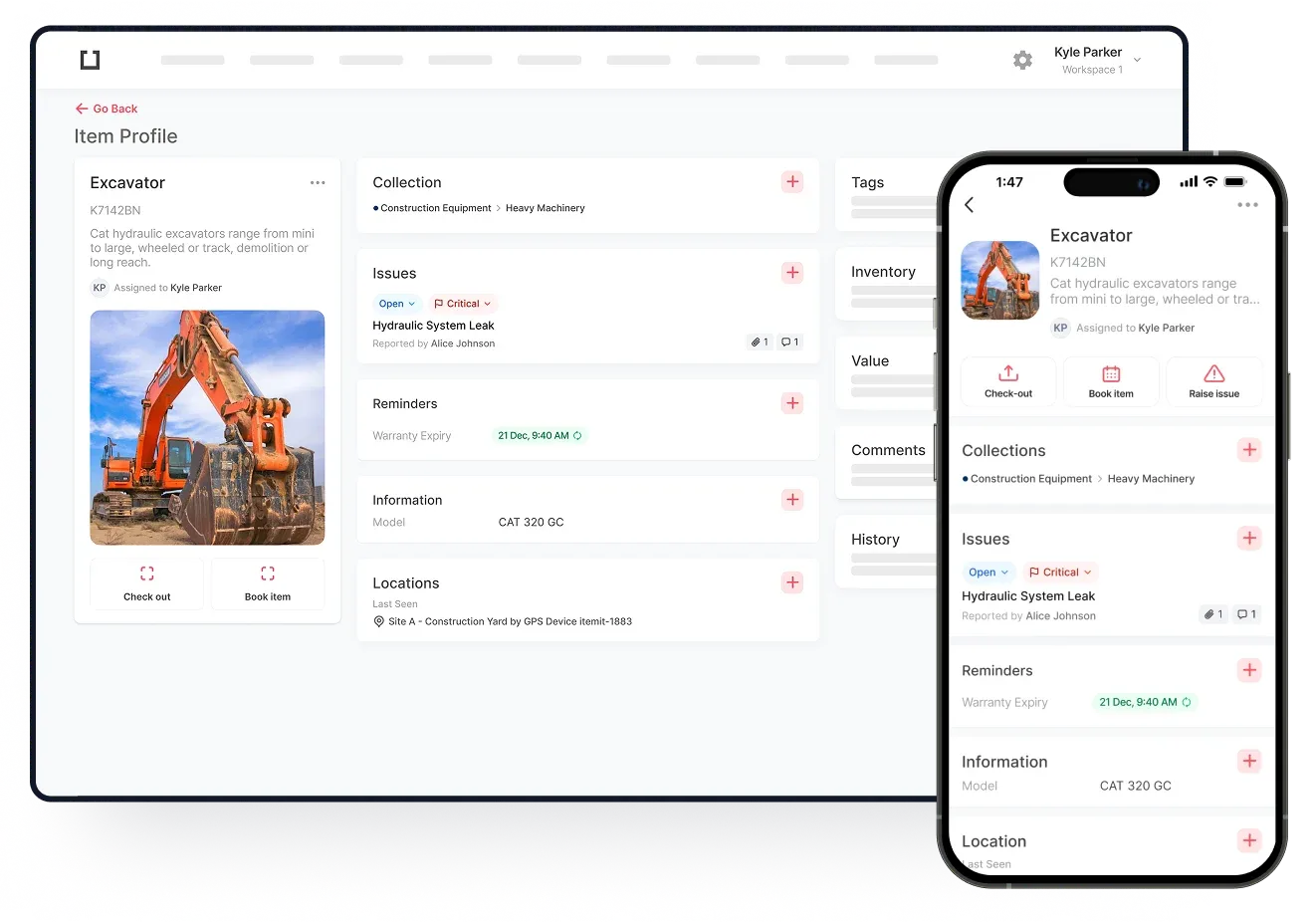
Automating asset tracking can do a lot for your business. If you are serious about being in control of your IT assets you need to take it to the next level.
Get rid of those old lists and spreadsheets that are full of errors. Use IT asset tracking to its full advantage so you know where your assets are and the status of every IT asset you own. Sounds good? You haven’t read about the benefits of automating the software that tracks your computers, printers, modems, and anything else IT-related.
Tracking An Asset’s Location Is Possible
If you use multiple IT assets in different locations you may be pleased to know that you can track them. IT asset tracking is usually very easy when a QR code or an RFID tag is attached to each asset. When the code is scanned into the software tracking the location is possible and very easy.
Tracking assets that are always in the same location is still a good idea. You can see who's using the asset, the asset’s maintenance status, and so much more.

You’ll Have Control Over Who Uses What
Another benefit of automating IT asset tracking is you’ll have full control over who uses what. You can assign people computers and printers and you can un-assign them as well. Having full control this way means assets are less likely to fall into the wrong hands.
Did you know that you can assign a laptop to someone for a specific amount of time? As soon as that time is up they will have to return that asset to you.
You Can See Who Has Checked Out Which Assets
Automated IT asset tracking usually lets you see which of your employees has checked out which assets. Let’s imagine that a few members of your team need to work in another location for a few weeks. During that time, they may need to take some IT assets with them such as tablets and laptops.
When the check-in/check-out feature is used, you can see exactly which team member has which laptop or tablet. Not only does this mean that you know they have the right tools for the job, it means you can hold them accountable should an asset go missing.
Data Can Be Created And Reports Can Be Exported
Another very important benefit of automating IT asset tracking is data creation. As soon as you and your team start to use an IT asset, data will be created. After a while, you could have enough data to create a report. Exporting the report allows you to read the data in a format that is suited to you.
Reports can be very useful. They can help you to see who has what, how many of your assets are regularly used, and so much more. Without such reports, you may not have such a good insight into your business.
Your IT Assets Will Be In Much Better Condition All Of The Time
Another important benefit of automating IT asset tracking is that your assets will be in a better state of repair. Many asset tracking programs/software come with the ability to set up a maintenance schedule. Once the schedule has been set up, your maintenance team will know when to take a look at a particular IT asset.
For example, computer B in office 3 may be up for its yearly maintenance tomorrow. The maintenance team would have received a notification about this. They can then take a close look at the computer and carry out repairs if necessary. As a result, computer B in office 3 may be in good condition once more.
If all of your IT assets are regularly checked out thanks to a maintenance schedule they are less likely to break down. With the ability to set up reminders at intervals of your choice, you can make sure that every single IT asset is ready to be used when you need it. An additional benefit of this is that the cost of replacing damaged IT assets can be significantly lower than ever before.
All Of Your IT Assets Will Be More Secure
As we have already seen, IT assets can be checked in and checked out. When you automate this feature, your assets will be more secure. Let’s imagine that a tablet has been left behind at head office, for example. Without tracking the tablet’s location, you may not be able to find it. However, when you can track the exact location of the tablet (and all of your IT assets), they’re more likely to be found.
Additionally, when your team members know that everything is tracked, they are more likely to return them to you safely.