
At itemit, we like to think we know more than a thing or two about asset tracking software. We offer businesses everywhere the opportunity to track assets with ease. Additionally, we like to give advice that can make the process of asset tracking much easier.
As part of the advice we give, we also mention the asset tracking do’s and don’ts. When using our tracking software it’s important that you get the most out of it. Below, you can find a few do’s and don’ts that can help you to use itemit’s tracking software to its full advantage.

Do Undertake An Audit
One of the first things that any business should do is to undertake an audit. Audits are essential as they allow you to fully understand which assets you have. Additionally, an audit can help you to make sure you have all of your assets tracked.
When all of your assets are tracked, it will be easy to track each asset’s use and location. You can also check who is using each asset and why they are using them. If this was not enough, tracking all of your assets can help you to stay up to date with your maintenance schedule.
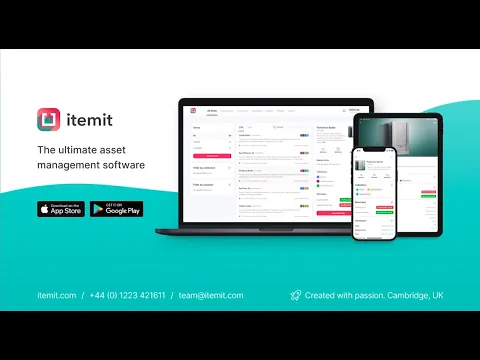 Watch video
Don’t Tag Everything
Try not to make the mistake of tagging every single thing that your business owns. Asset tracking software is very useful, but tagging everything may not be necessary. For example, you may not need to track office stationery.
Work out which assets are the most important for you to track. Stick a QR code or RFID tag on them first. Now tag those assets that are of a high priority. Continue until you have tagged everything that you consider to be worth tagging. As soon as you have tagged everything it’s time to start making use of all that itemit’s software has to offer.
Do Securely Attach The Tags
QR codes and RFID tags are very easy to attach. However, it’s important that you make sure the tags are attached correctly. It would be a shame if you updated itemit’s asset tracking software only for some tags to fall off.
Every time you stick a QR code or an RFID tag onto an asset ensure the tag is secure. Put it in a position that makes the code or tag easy to scan. When you do, you’ll be thankful the next time you need to scan the tag or track the asset.






