When your workforce spans multiple countries, languages shouldn’t be the reason asset tracking falls apart. Miscommunication leads to misplaced equipment, inaccurate records, and frustrated teams. Yet most asset tracking software on the market only supports English — forcing non-native speakers to navigate unfamiliar interfaces and increasing the risk of costly errors.
Today, we’re thrilled to announce that itemit now supports multiple languages across Web, iOS, and Android. Whether your team speaks Spanish in São Paulo, French in Dakar, or Japanese in Tokyo, they can now track, manage, and report on assets in their native language.
itemit Now Speaks Your Language
Multilingual asset tracking isn’t just a “nice to have” — it’s a competitive necessity for organisations operating internationally. With this update, itemit becomes one of the few multilingual asset tracking software solutions on the market, giving global teams the tools they need to work efficiently without language barriers.
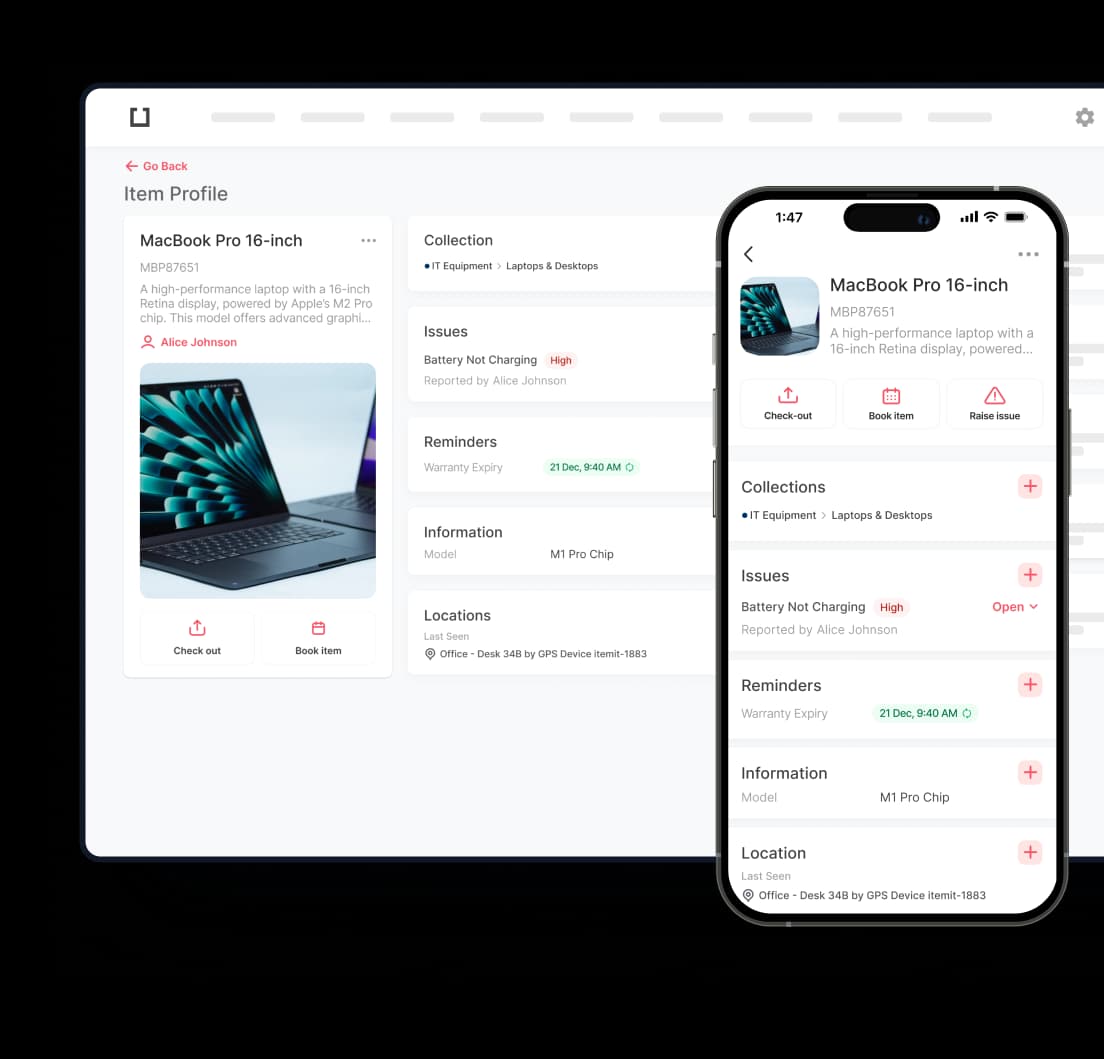
The multilingual experience is consistent across every platform. Your web dashboard, iOS app, and Android app all support the same languages, ensuring a seamless experience regardless of which device your team members prefer.
Which Languages Does itemit Support?
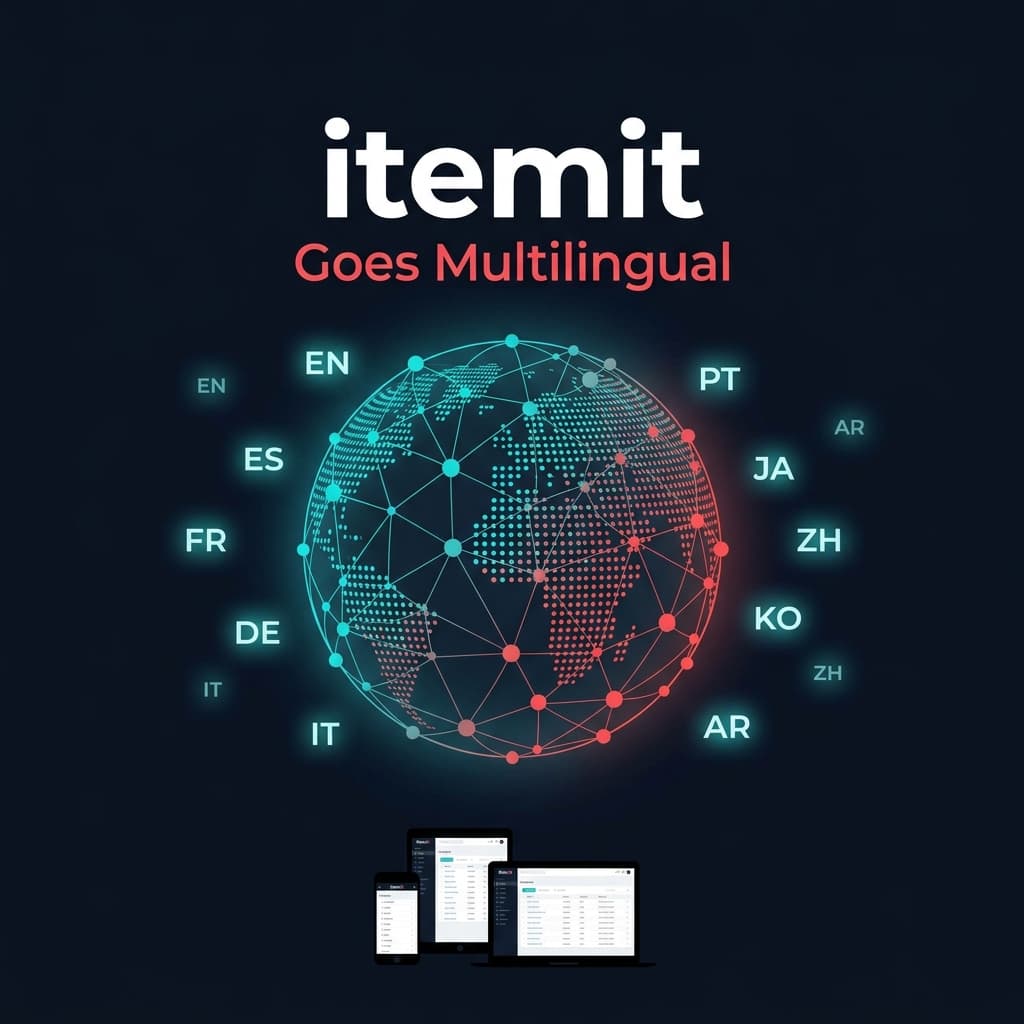
itemit currently supports the following languages across all platforms:
- 🇬🇧 English — Default
- 🇪🇸 Spanish (Español) — Covering Spain, Latin America, and the US Hispanic market
- 🇫🇷 French (Français) — For teams in France, Belgium, Canada, and Francophone Africa
- 🇩🇪 German (Deutsch) — Supporting the DACH region (Germany, Austria, Switzerland)
- 🇮🇹 Italian (Italiano) — For teams in Italy and Italian-speaking Switzerland
- 🇵🇹 Portuguese (Português) — Covering Portugal, Brazil, and Lusophone Africa
- 🇯🇵 Japanese (日本語) — Full support for Japanese enterprises
- 🇨🇳 Chinese Simplified (简体中文) — For Mainland China operations
- 🇰🇷 Korean (한국어) — Full support for Korean-speaking teams
- 🇸🇦 Arabic (العربية) — Including RTL (right-to-left) interface support
We’re continually adding new languages based on customer demand. If your language isn’t listed, get in touch and let us know — we’d love to hear from you.
Why Multilingual Asset Tracking Matters for International Teams
Language isn’t just about convenience — it directly impacts operational efficiency, data quality, and team adoption. Here’s why international asset management software with native language support is critical:
1. Faster Onboarding for Non-English-Speaking Staff
Training time drops dramatically when staff can learn the system in their native language. Instead of spending hours translating interface labels and workflow instructions, new users can start tracking assets on day one. For organisations with high staff turnover or seasonal workers, this translates directly into cost savings.
2. Fewer Data Entry Errors
When users work in a language they’re fluent in, they’re less likely to miscategorise assets, enter incorrect descriptions, or misunderstand status labels. This means your asset register stays accurate and reliable — exactly what you need for audits and compliance.
3. Better Audit Compliance
Many regulatory frameworks require documentation in the local language. With itemit’s multilingual support, your team can maintain asset records, generate reports, and complete audit trails in the language required by local authorities. This is especially important for organisations operating across the EU, where GDPR and local asset reporting requirements vary by country.
4. Higher Adoption Rates Across Global Teams
The biggest barrier to any software rollout is adoption. If your field teams find the interface confusing because it’s in a foreign language, they’ll revert to spreadsheets or paper — defeating the entire purpose of digital asset tracking. By offering asset tracking software in multiple languages, itemit removes this barrier entirely.
Real-World Use Cases for Multilingual Asset Tracking
Construction Companies with Multilingual Field Crews
Construction sites are some of the most linguistically diverse workplaces. A typical project might have electricians speaking Polish, labourers speaking Romanian, and project managers communicating in English. With itemit, each crew member can scan QR tags, report issues, and check out equipment in their own language — reducing miscommunication and keeping projects on track.
NGOs Operating Across Multiple Countries
Non-profit organisations often manage assets across dozens of countries with limited budgets. Whether it’s medical equipment in Francophone West Africa or educational supplies in Latin America, multilingual asset tracking ensures local staff can independently manage inventory without relying on bilingual coordinators as middlemen.
Education Institutions with International Staff
Universities and international schools employ staff from around the world. IT departments managing laptops, lab equipment, and AV gear can now ensure that every staff member — regardless of their first language — can request, check out, and return assets through itemit’s intuitive interface.
Facilities Management Teams with Diverse Workforces
Facilities management companies often employ cleaning, maintenance, and security teams that speak a variety of languages. With multilingual support, these teams can log equipment usage, report faults, and complete inspection checklists without language being a barrier to compliance.