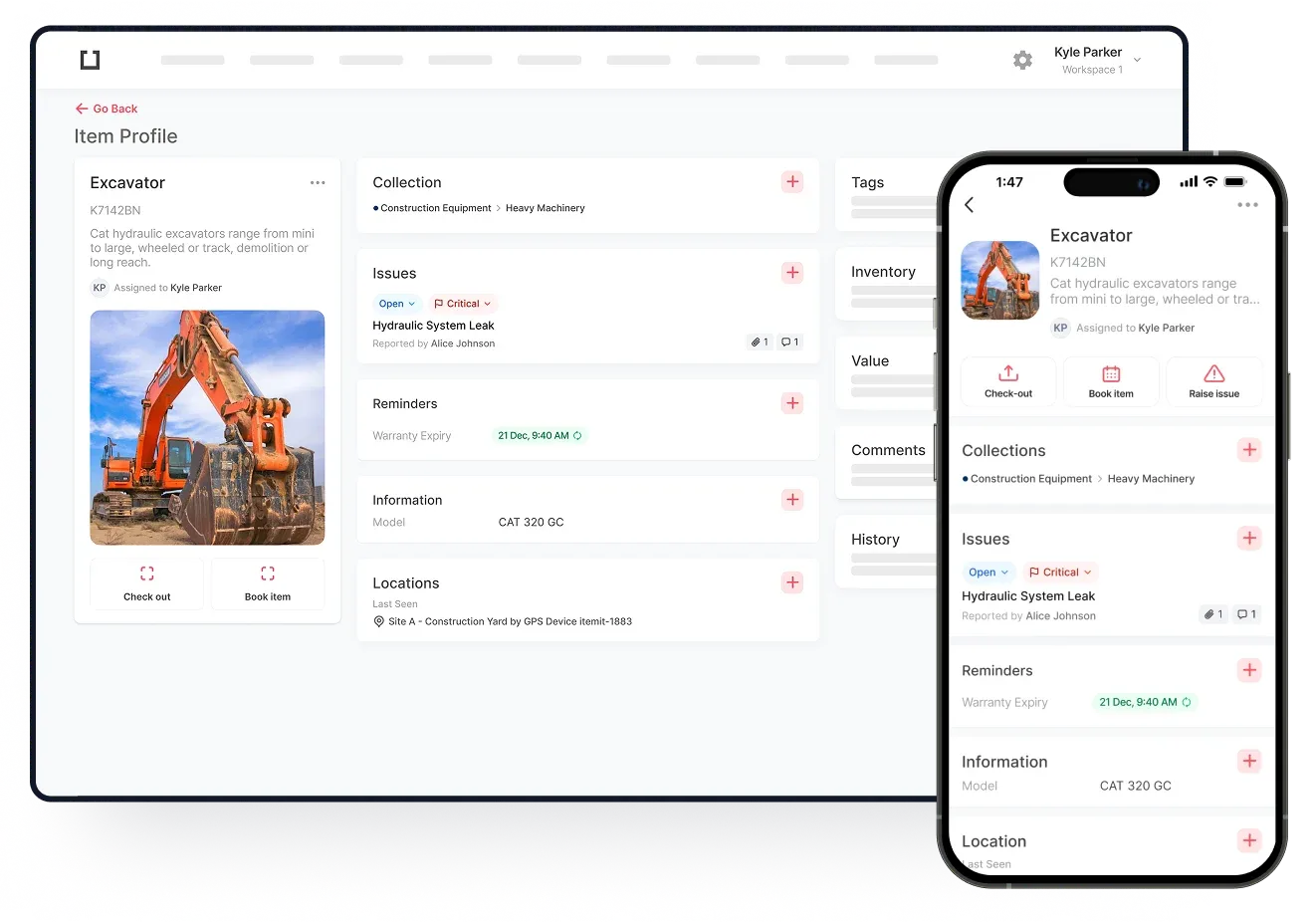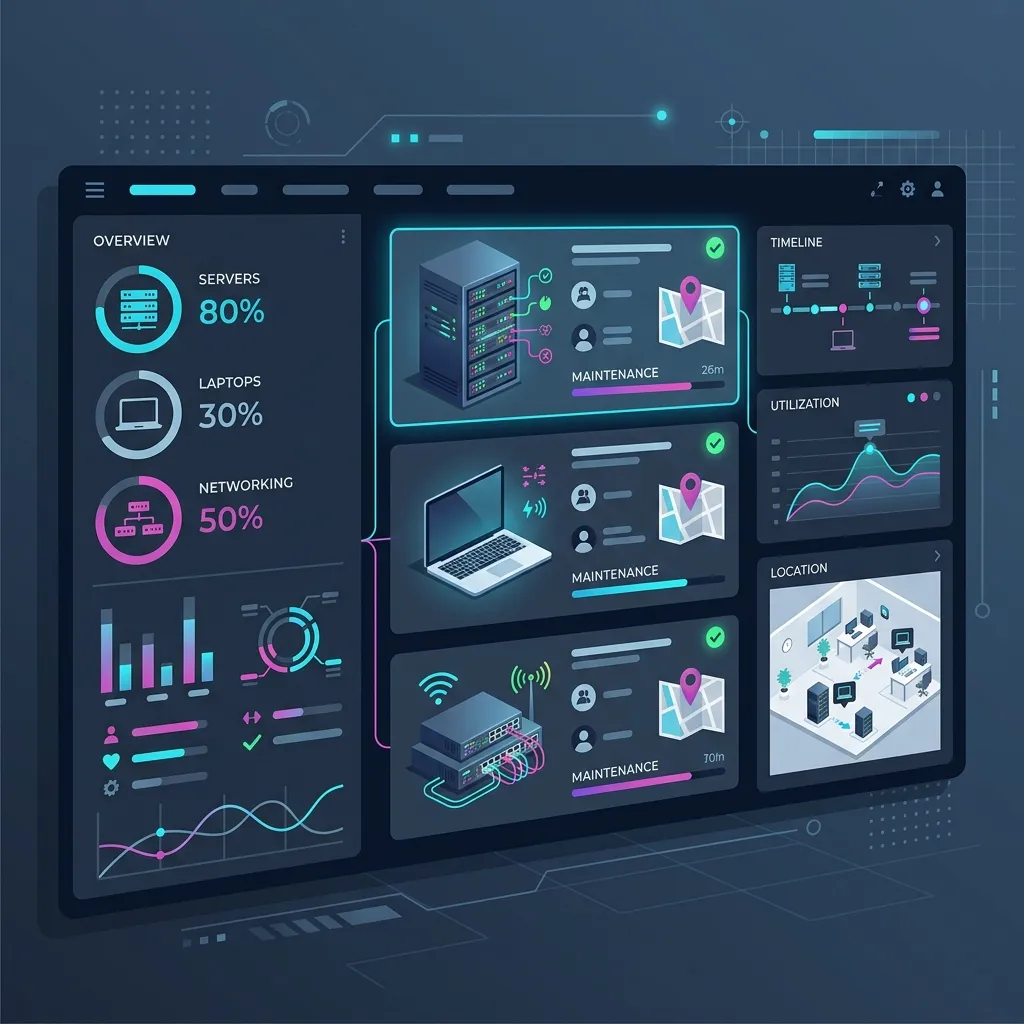
Modern businesses run on technology, but maintaining visibility over that technology remains a persistent challenge for IT departments worldwide. From the moment a laptop is purchased to the day it is securely recycled, organizations face the ongoing task of knowing where their equipment is, who is using it, and whether it requires maintenance. When this visibility breaks down, companies face severe consequences: lost hardware, inflated software licensing costs, and serious vulnerabilities in their network security.
Historically, IT teams relied on manual methods to track these resources. Binders, paper logs, and static spreadsheets were once the industry standard. However, the modern workplace has shifted. With the rise of remote work, distributed teams, and hybrid office environments, technological resources are constantly flowing in and out of the corporate network. A server might stay in a data center for years, but a tablet or a company-issued smartphone could move across three different cities in a single week. Managing this logistical flow requires specialized tools.
Every device that accesses your corporate data represents a significant financial investment and a potential security risk. This comprehensive guide breaks down the mechanics of IT asset tracking software, exploring what it is, why organizations need it to stay competitive, and the practical steps required to deploy a successful tracking strategy.
What Is It asset tracking software?
IT asset tracking software is a centralized digital platform designed to monitor and manage an organization's technological portfolio throughout its entire lifecycle. Unlike standard inventory systems that merely count retail boxes sitting on a warehouse shelf, a dedicated IT tracking solution records the complete lifecycle of corporate technology. It logs the procurement details, assignment history, maintenance schedules, depreciation values, and eventual secure disposal procedures.
The scope of what these platforms monitor is broad, encompassing both physical hardware and digital resources.
Physical Hardware Tracking
Hardware tracking focuses on the tangible devices your company purchases and maintains. This includes common end-user devices such as laptops, desktop computers, external monitors, and company-issued mobile phones. It also covers the critical backend infrastructure that keeps the business running, such as data center servers, network switches, cooling units, and wireless routers.
Managing these items requires detailed record-keeping. IT departments must track unique manufacturer serial numbers, warranty expiration dates, hardware configurations, and changing physical locations. Modern platforms connect these digital records to the physical devices using durable tags, such as QR codes or RFID labels. When a technician scans the label on a laptop, the software instantly retrieves that specific machine's entire history.
Digital and Intangible Resource Management
Effective software must also handle intangible digital assets. This includes enterprise software licenses, recurring cloud service subscriptions, and digital security certificates. Tracking these resources prevents businesses from paying for "shelfware" (software that is paid for but never installed or used).
For example, if a company purchases five hundred seats for a premium graphic design application but only uses three hundred, the business experiences a persistent financial drain. A tracking platform provides visibility into actual software utilization patterns, allowing purchasing departments to scale back unused licenses and negotiate better contracts during vendor renewals.
The Problem With Spreadsheets
Many growing businesses attempt to manage their infrastructure using static spreadsheets. This approach is prone to failure because it relies on manual human data entry. Entering hundreds of serial numbers by hand inevitably leads to typos, miscategorizations, and accidental deletions.
More importantly, spreadsheets are static. If an IT technician moves a presentation monitor from the second-floor boardroom to the third-floor training facility but forgets to update the master document, the spreadsheet immediately becomes inaccurate. Over time, these small errors accumulate until the entire document becomes untrustworthy.
Dedicated tracking platforms solve this by creating a dynamic digital register. When an item moves, a technician scans it with a mobile device, and the central secure database updates in real time. Everyone interacting with the system sees the same accurate information simultaneously. This single source of truth eliminates arguments over missing equipment and provides a reliable foundation for corporate audits.
Ready to take control of your IT infrastructure?
If your team is struggling to manage shifting laptops, servers, and software licenses, our cloud platform eliminates the chaos. Discover how simple accurate tracking can be.
Book a Demo TodayBenefits of It asset tracking software
Deploying a professional IT tracking platform provides recurring operational and financial benefits. These advantages impact multiple departments, streamlining tasks for corporate finance, the IT support desk, and human resources.
Ghost Asset Elimination and Financial Savings
A major financial benefit is the elimination of ghost assets. These are pieces of equipment that still appear on the official financial ledger but are actually missing, broken, or retired. When companies pay corporate taxes and insurance premiums on equipment they no longer possess, they lose capital. A digital tracking system ensures financial tax records match physical reality, reducing unnecessary ongoing tax and insurance burdens.
Accurate tracking also ends the costly cycle of duplicate purchasing. When an employee requests a new high-performance tablet, the IT manager can check the centralized database. If an identical, functional tablet is sitting idle in a regional storage closet, it can be reassigned immediately. This prevents the business from spending funds on a brand new retail unit.
Digital Security and Regulatory Compliance
In the modern corporate world, a lost employee laptop is rarely just a missing piece of hardware; it is a potential data breach. Tracking hardware ensures you know who legally possesses what specific device at all times. If an employee leaves a company laptop on public transit, the IT department can quickly identify the machine, verify what sensitive client data it holds, and execute a remote security wipe protocol to protect the company network.
Furthermore, heavily regulated industries require documented proof of compliance. External auditors frequently demand to see how technical equipment is monitored and secured. A modern digital tracking platform instantly provides indisputable, cryptographically secure digital audit trails. This capability transforms a stressful, month-long compliance audit into a manageable, routine procedure.
Streamlined Support and Employee Onboarding
When an employee submits an urgent IT support ticket, the assigned technician often spends the first few minutes asking the user for the device model number, the operating system version, and the current warranty status. With a tracking system deployed, the technician can look up the user's name and see the hardware specifications and historical repair log of their assigned machine. This contextual information accelerates the troubleshooting process.
Employee offboarding procedures are equally transformed. When a staff member resigns, human resources can pull a comprehensive list of all the physical hardware assigned to them over their tenure. This ensures every mechanical keyboard, corporate mobile phone, and secure access token is returned before the final severance process concludes. The financial savings from recovering functioning equipment during routing staff turnover often justifies the cost of the tracking software on its own.
Comparison Table: Spreadsheets vs Modern Platforms
| Operational Feature | Manual Spreadsheets | Modern IT Tracking Platforms |
|---|---|---|
| Data Update Mechanism | Requires manual data entry by office staff. | Real-time updates via prompt mobile smartphone scanning. |
| Overall Data Accuracy | Vulnerable to typing errors and accidental row deletion. | Maintains consistent accuracy through cloud architecture. |
| Employee Accountability | Difficult to verify who made database changes or when. | Secure audit trails log every staff action automatically. |
| Check-In/Out Process | Relies on paper logbooks and physical ink signatures. | Frictionless digital assignment via standard smartphone. |
| Management Reporting | Requires hours or days to compile fragmented data points. | Automatically generates visual insights and custom export reports. |