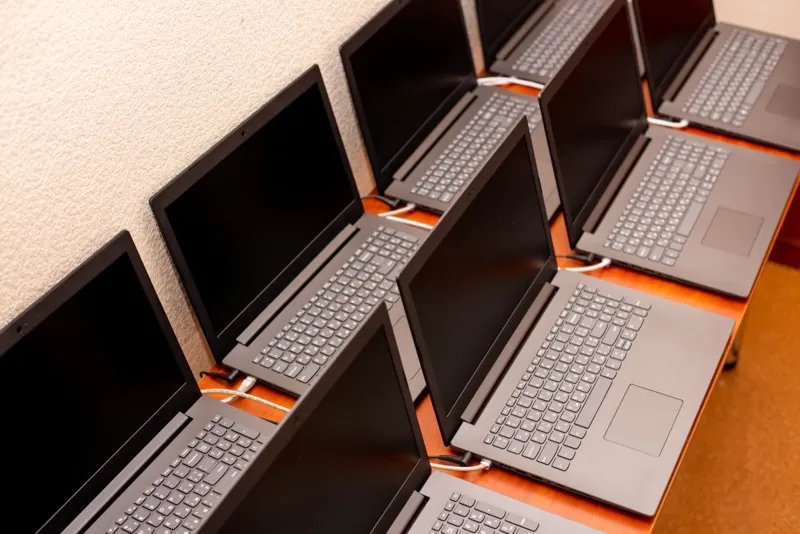
IT hardware inventory management involves you and your team managing every aspect of your IT hardware. You need to do all of these things effectively to make purchasing decisions, deal with security issues, and solve problems. Unfortunately, searching through receipts and asking employees about their IT hardware can take a lot of time.
Here is where IT Hardware Inventory Management can make a huge difference to your working day. You can organise your inventory so that those all-important documents are easy to find.
What is IT Hardware?
IT hardware consists of computer inventory, routers, servers, hubs, switches, and any other IT equipment that you use. Hardware such as this is crucial when it comes to running your business.
Chances are you have a lot more IT hardware than you realise. Most of us tend to have hardware such as this in our homes. Businesses, therefore, are likely to have a considerable amount of hardware. Keeping track of IT hardware may be harder than you may have originally thought. every employee may have been assigned a computer, router, or other hardware, that they are required to use every day. This is essentially why IT Hardware Inventory Management is a much-needed tool.
What is an IT Hardware Inventory
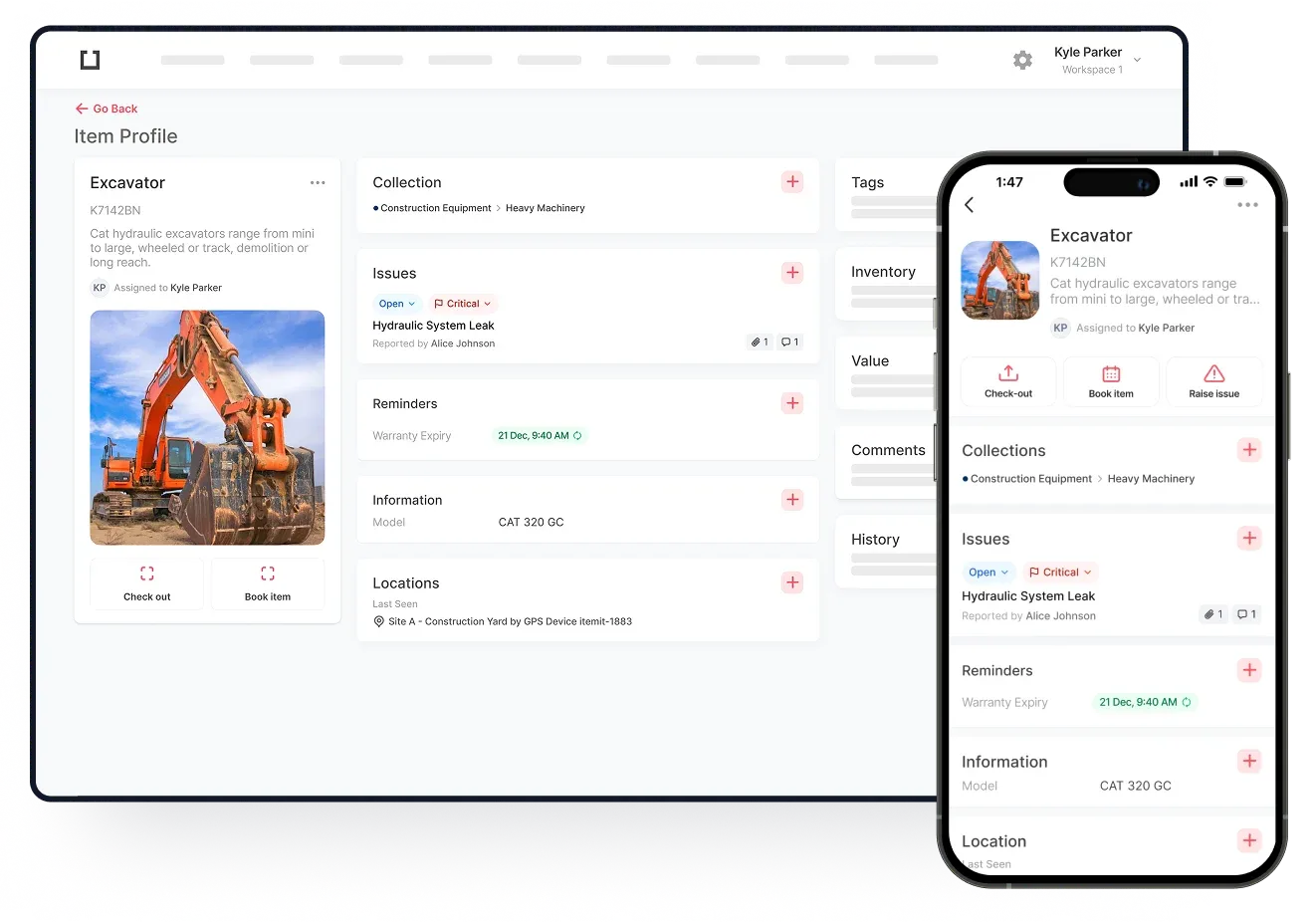
An IT hardware inventory consists of every piece of hardware that a business owns or leases. Hardware such as this could be worth considerable sums of money. An inventory can detail exactly how much equipment the business has. It can also include where the hardware is located, its maintenance status, and many other details. itemit’s IT hardware inventory can include a range of details such as the hardware’s:
- Barcode
- Subscription details, including start date
- Cost and current value
- The manufacturer’s warranty information
- Maintenance schedule
- Location
- Owner
- Insurance details
- Previous and current user
- Remaining life
- The start date of the licence, if required
When all of these pieces of information are entered into an inventory, they can potentially improve or solve inventory management issues. Users will no longer need to search their offices for receipts, maintenance schedules, or any other required details. itemit has the capacity to make tracking all hardware very easy.
Taking the guesswork out of managing all aspects of IT Hardware Inventory Management can make a considerable difference. Business owners can concentrate on running other areas of their businesses.
Why You Should Manage Your IT Hardware Inventory
IT Inventory Management is vital to your business if you want to reduce incidences of theft or items going missing. Further reasons include allowing you to:
- Assign particular assets to your employees. You'll be able to track who currently has the IT hardware and who had it previously.
- Track the location of all of your IT hardware. Hardware can be moved from time to time, but using tracking software ensures that you know where it is at all times.
- Have more control over the maintenance schedule. Keeping all of your IT hardware in good working order is essential. Knowing when pieces of equipment need to undergo maintenance allows you to keep them in the best possible working order.
- Organise your inventory levels. If you have 200 employees, for example, you may need 200 computers. Knowing you have enough computers for everyone means each employee has the tools to work effectively.
- Improve security. IT hardware is less likely to go missing if it is tracked. Hardware that is removed from the premises can be tracked closely 24 hours a day, every day.
- Receive real-time updates. Business owners can receive constant updates about the location of the IT hardware, view updated photographs, and read notes that have been left about the hardware.
- Eliminate the risk of ghost assets. IT hardware that is always updated in its status is less likely to need replacement. Additionally, thanks to the tracking software, IT hardware is less likely to go missing.
All of these factors can help every business owner have more control over every asset, making their business run much more smoothly. Businesses can be hard enough to run. When there is little control over expensive hardware, profits can be affected.
How You Can Manage Your IT Hardware
From maintenance to planning upgrades, properly managing IT hardware requires a disciplined approach to guarantee everything operates as it should. Hardware inventory management is a fundamental part of this process since it tracks every physical item in your IT setup.
Creating a Detailed Inventory: The Foundation of Success
Creating a thorough software and hardware inventory is the first step in underlining your IT infrastructure management. Maintaining a thorough log of all your equipment—servers, computers, peripherals, and network devices—allows you to control assets effectively. In my experience, using hardware inventory software guarantees tracking key information such as purchase dates, warranty durations, and serial numbers.
Your management plan revolves mostly around this computer hardware inventory. Knowing exactly what you have, where it is, and its condition helps you make replacement plans before problems start. This also helps with future purchase budgeting and avoidance of unanticipated expenses.
Regular Maintenance and Updates for Longevity
Regular maintenance is absolutely essential to maximise your hardware. This covers more than just simple cleaning; it also guarantees the currentness of firmware and software. Arranging these updates helps to lower the possibility of security flaws or performance problems. By means of a computer inventory management system, one may guarantee that no equipment is missed throughout the updating process.
Furthermore, using monitoring tools included within your equipment inventory system will give your gadgets real-time data on condition. Alerts warning of ageing hard drives or hot servers help to avoid expensive downtime.
End-of-Life Planning for Seamless Transitions
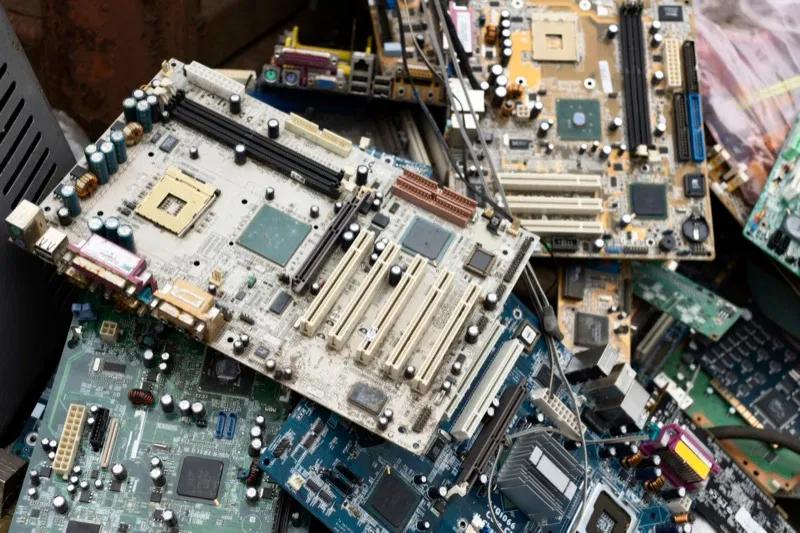
Every bit of hardware finally approaches its end of life (EOL). How this is planned affects how disturbances are avoided. Good computer hardware inventory management systems enable one to monitor when manufacturer support is going to stop and when devices are nearing their EOL. This realisation lets you replace or update machinery before it becomes a liability.
Apart from replacing old gear, its safe disposal is also quite important. Make sure any sensitive information is correctly erased before throwing away obsolete devices to stop security leaks. Your equipment inventory management method should naturally include this.
Scalability and Future-Proofing for Growth
Your IT system must remain current as your company expands. One typical mistake I have noticed is companies buying hardware that satisfies just their present needs without thinking through future needs. Think ahead and make investments in scalable solutions while handling your computer hardware inventory. Modular hardware, virtualised environments, and cloud services help to smooth future development.
Using hardware inventory software facilitates the prediction of demands based on past data and usage trends, therefore guiding wise purchase selections.
Security and Backup Measures
In IT management, security always looms large. By spotting unpatched or outdated software on your network, your software inventory tracking keeps current and reduces risks. Simultaneously, actual gear needs to be locked via regulated access points, encryption, and firewalls.
The management of IT infrastructure also depends heavily on backup mechanisms. Including automated backups into your equipment inventory system guarantees consistent data saving in onsite and remote locations. This is absolutely essential for fast recovery in case of hardware breakdown or a cyberattack.
Energy Efficiency: Cutting Costs Where It Counts
Hardware management goes beyond performance to include maintaining cost control, particularly with regard to energy use. Energy-efficient solutions might help you more properly control the considerable resource drain that IT equipment causes. Using computer inventory management, for example, allows you to monitor which devices consume the most power and substitute more effective models.
Over time, using low-power modes or automated shutdowns during off-peak can also result in major cost savings.