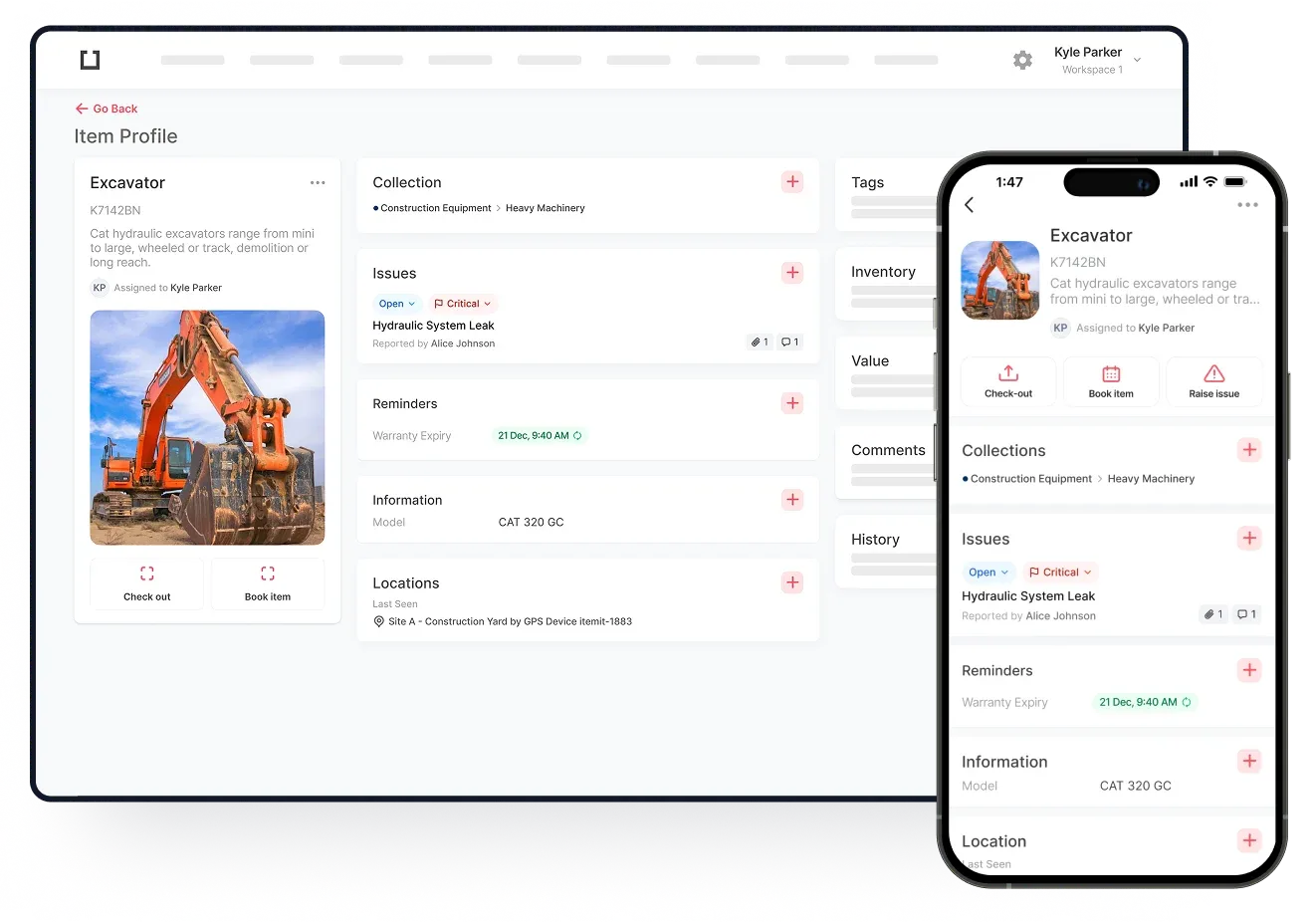
Ensuring that your asset register is accurate and complete is not as easy as it sounds. If you have many assets things can be even harder. Throw in multiple assets used in multiple locations and having an accurate and complete register can seem impossible. However, when you use strategies that are known to work well, having accuracy and completeness is possible.
Let’s take a look at some of the ideal strategies to use.
Upload Your Asset's Details To An Asset Register App
Some managers upload the details of their assets to a spreadsheet. Other people have everything listed somewhere on their computers. However, this type of asset register is not very secure and it’s likely to be quite inaccurate and incomplete.
We humans can make mistakes without intending two. That mistake was intentional, but it’s so easy to make unintentional ones. As a result, an asset register can show that you have a lot less or a lot more assets than you have. In addition to this, the register may not be as complete as it could be.
A complete register contains many details about each asset. For example, if you were to add a laptop to your register you may also wish to add details such as:
The laptop’s:
- Make and model
- Colour (if relevant)
- Serial number
- Date of purchase
- Price at purchase
- Estimated life span
- Warranty and insurance information
- Software licence renewal date
- Maintenance schedule
- Photograph for quick identification
- PDF of the user manual or link to an online user manual
- Where the laptop is typically located
- And much more
When you have all of this information added to an asset’s profile it will be complete. The above information can prove to be very useful at some point in the future. For example, if you want to know when the insurance runs out simply log into your asset register app and locate the details.
As assets tend to be used in many different locations, having access to the above information can be helpful. All you need to do is select a specific vehicle, for example, from the list in your asset register app. Opening the vehicle’s digital profile will result in you seeing any information that has previously been added to it. You can have the details you need within moments.