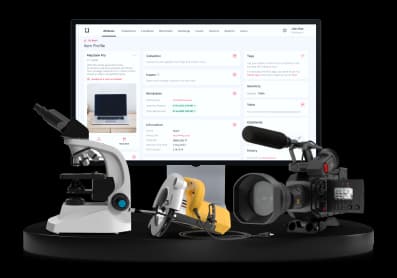
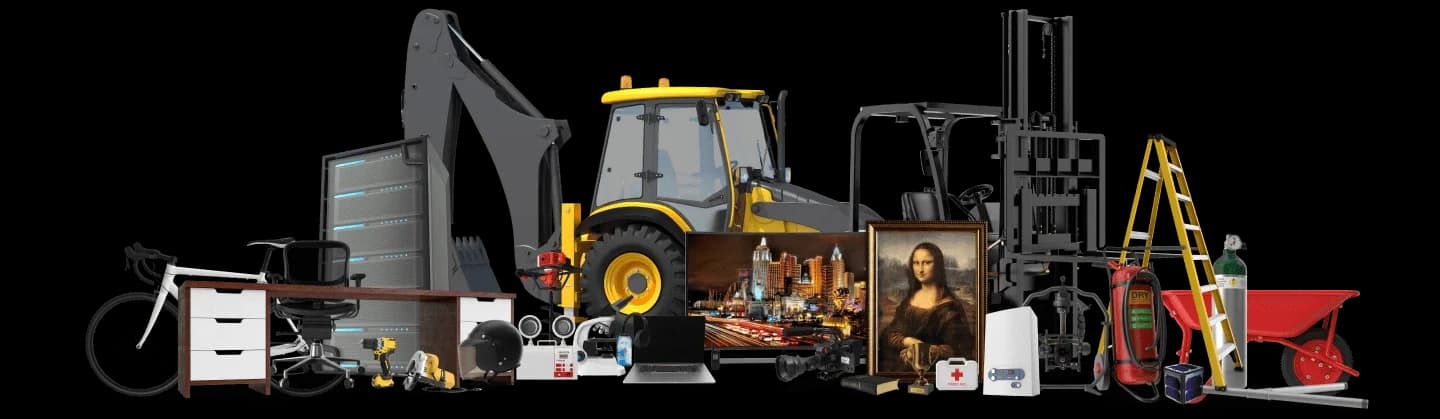
The past couple of months have seen some huge feature releases for the itemit asset tracking software, including Quick Add, Bookings and now Public Profiles!
What is a public profile?
What is a public profile I hear you ask? Let me show you.
 Watch video
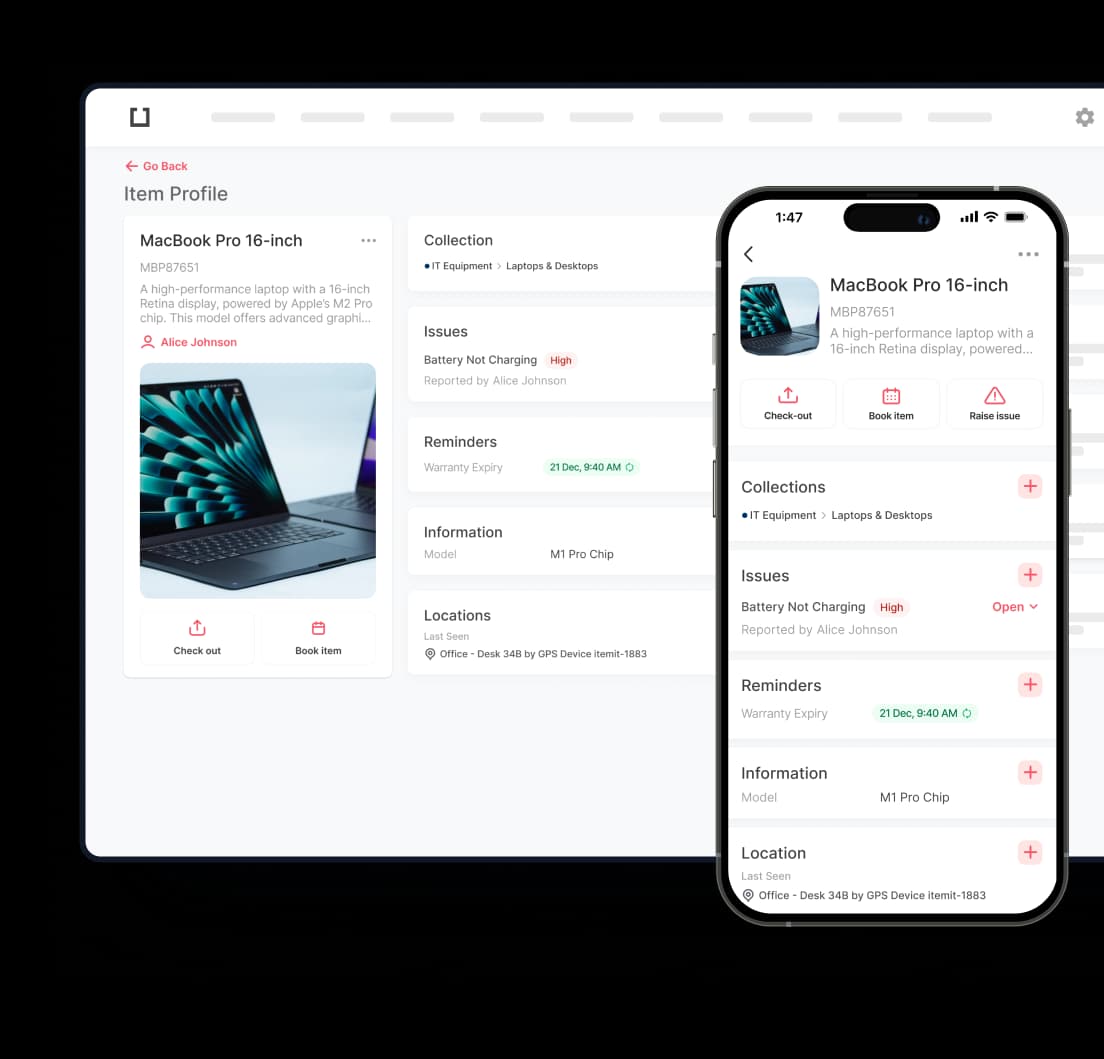
If you're new to itemit, then check out this quick demo video of the asset tracking software. If you're an itemit Pro, then you'll know what we mean when we say itemit gives each of your assets a unique profile page. This page is a safe place to securely store important asset information and to see where your assets are and who has them. Previously, asset profiles were only accessible to those people added to your system and with their own itemit account. You told us that for some assets you'd like specific pieces of information to be accessible by users with no itemit account.
And as if by magic…
Can I control if my assets are made public?
Of course! Head to the itemit web portal and you'll see you've now got a setting on the Settings page which lets you turn on or turn off the ability for public users to scan your QR code asset tags. By default, this is turned off so that your data stays nice and private. But if you'd like to get more people scanning your assets that switch that toggle to on!