Come Monday, someone needed the same piece of hardware but couldn’t find it. They asked the manager about it, but they, for some reason, completely forget it’s with you or that you informed them before you took it.
The ensuing office frenzy is a story for another day, but the time and energy wasted is what we want to address. Not only did other employees lose out on time and energy during that time, not to mention the mental toll it takes when you can’t find a crucial company asset, but you had to go through something even more difficult. Turning up with something everyone was looking for can be embarrassing.
What’s more? You did nothing wrong.
This wouldn’t have happened if your company used check in check out software. Things would’ve gone smoothly for you and your colleagues. Let’s talk a bit about equipment checkout software, how it works and the many benefits it has to offer.

How Does Check In Check Out Software Work?
Check in check out software is the perfect solution for any company that has to manage a wide range of tools and equipment and employees frequently have to take assets out of the workplace. With this application, employees can book tools and equipment beforehand so that they’re sure an asset is available when they need it. Furthermore, using equipment checkout software is as easy as it gets.
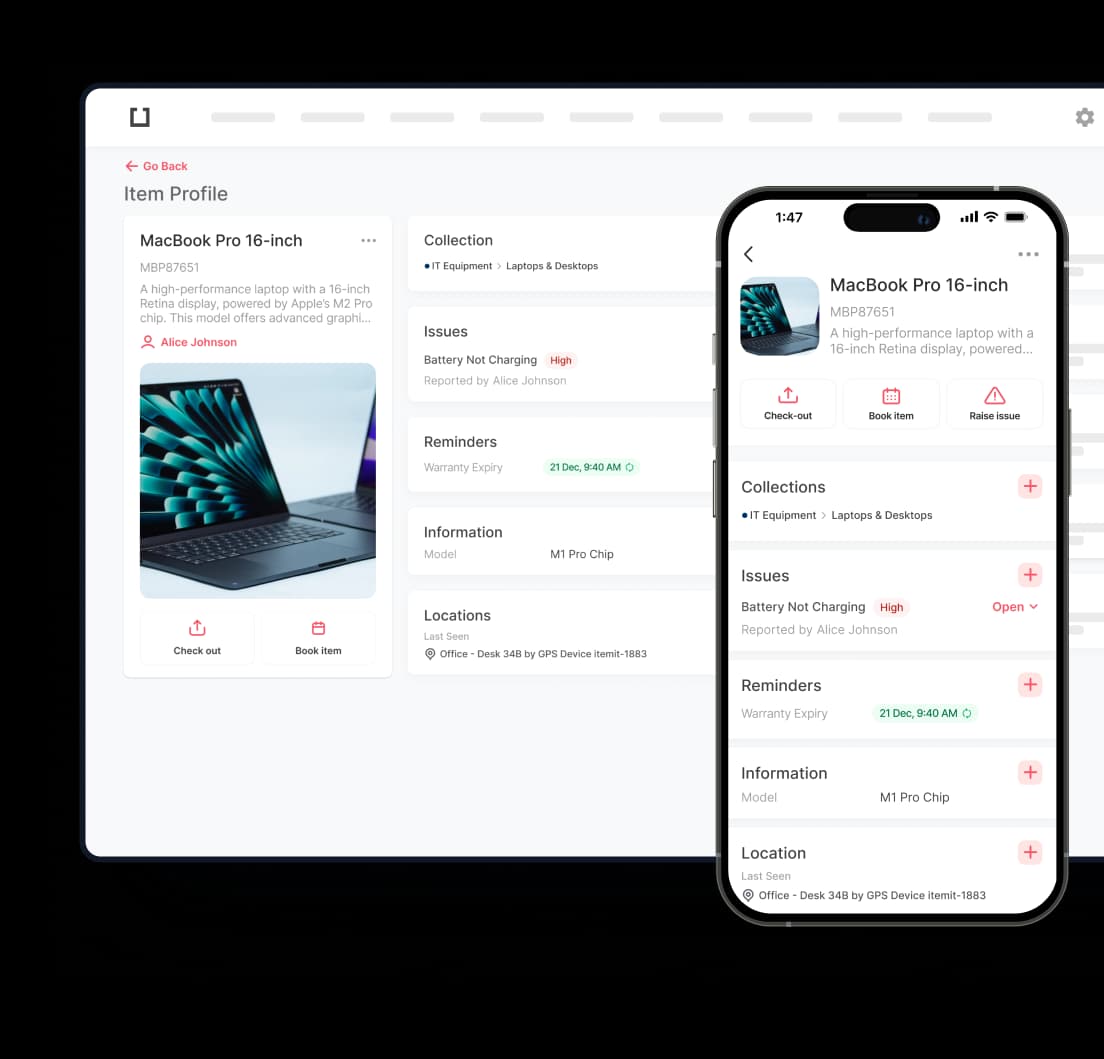
Whenever an employee has to take an asset out of the workplace, they just need to press the ‘Check Out’ button on the asset profile, that’s it. The item is then marked checked out by a particular employee. This way, everyone can see who has what and for how long.
When returning a piece of equipment to the office, checking in is as simple as checking out. Just select the ‘Check In’ button and you’re done.
Asset tagging can make check in check out software work even better because every asset has its unique identity with its own asset tag. Just scan an asset, and mark it checked out or the other way around easily.