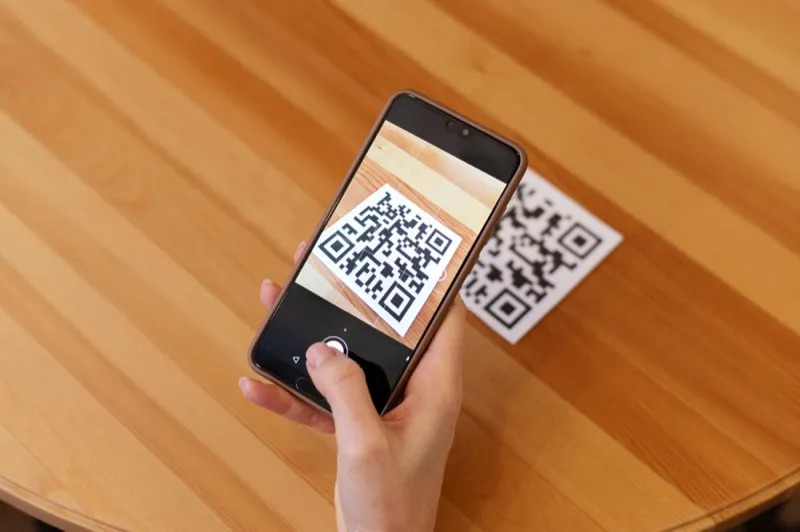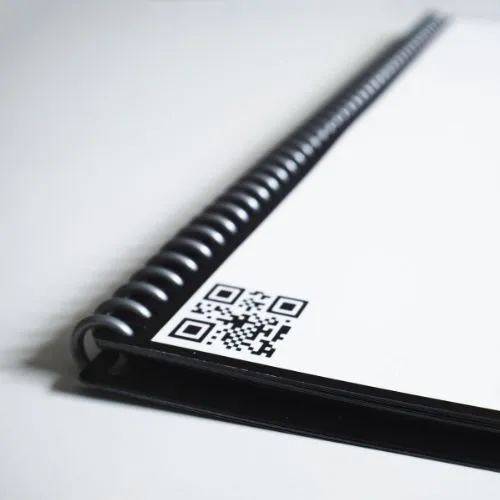
The QR tag has become a feature of modern life. They were to be found on brochures, flyers, and posters, and even on business cards that were connected directly to websites upon scanning. Actually, each one of us has our QR scanner in our pocket - a smartphone! Perhaps you're aware that you can use QR code tags for tracking assets, but do you really understand exactly how they work and what they can do? Learn about everything QR code tags have to offer from this ultimate guide.
What is a QR Code?
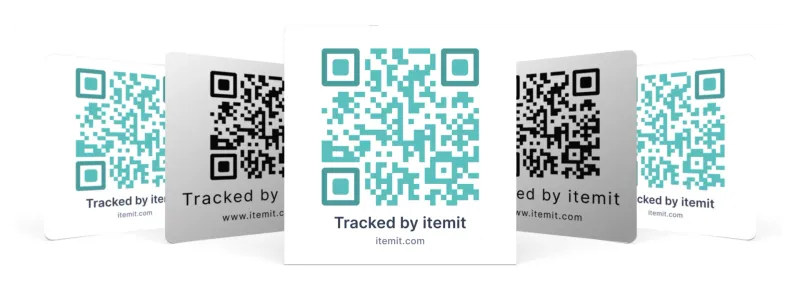
A Quick Response Code, or a QR code as it is commonly referred to, is a two-dimensional barcode capable of storing information such as URLs, text, or contact details. It was developed in 1994 by Denso Wave, a Toyota subsidiary, for tracking parts in vehicle manufacturing. In the context of QR codes vs barcodes, they are different because they have a much higher storage capacity and can be read from any direction. It was the creator of the QR code, Masahiro Hara, who set out to develop a code that could be read quickly and reliably; the name is Quick Response.
A QR code is made up of black and white squares set on a grid - the structure of a QR code. These patterns involve information about the QR code intended to be read by a scanner, which will understand what is encoded in the matrix. A regular barcode normally holds data in only one dimension, but QR codes have the capability to do so in two dimensions, enabling them to store more complex information.
How Do QR Tags Work?
How do QR codes work, technically? When a camera scans a QR code tag, it captures the arrangement of black and white squares. Then, the scanner software processes this image to tell which modules represent data and which serve a functional purpose. Then, this data is extracted out and translated back into its original form, whether that be a URL, text, or another type of information.
The Use of QR Tags
QR tags are immensely popular nowadays, and their square-shaped barcodes make their way into each and every transaction. From retail and marketing to inventory management and asset tracking, the usage of QR asset tags has been voluminous. QR codes proved handy in containing the spread of COVID-19 during the recent pandemic by allowing contactless transactions and providing a lead for contact tracing.
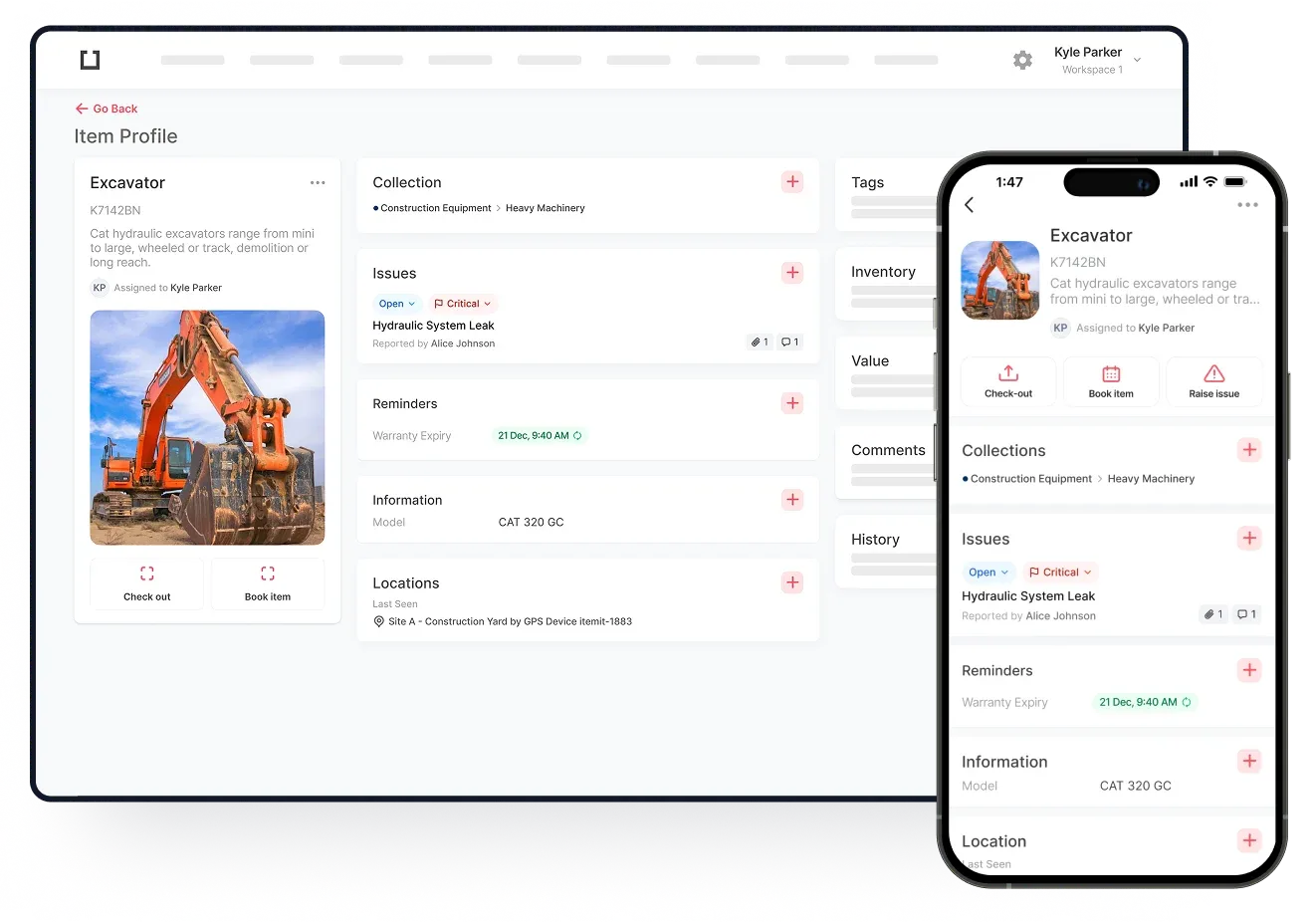
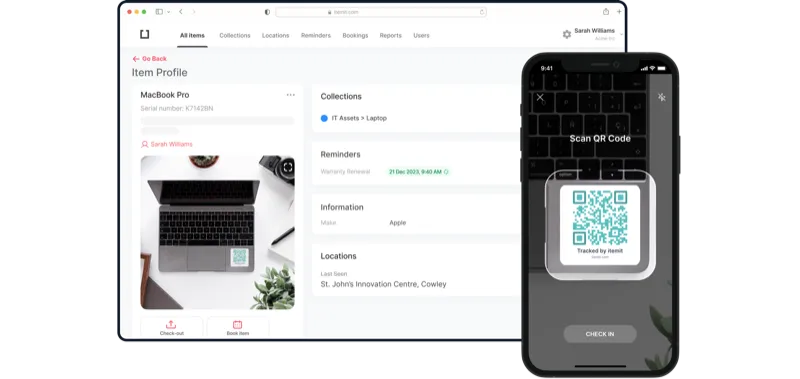
QR code tags are helpful in asset management, as they could help keep track of items across various locations. Be it office equipment, manufacturing tools, or rental assets, QR tags help make sure that the assets are found with ease, monitored, and accounted for. When attached to a physical asset, the scanning of the tag opens up access to associated data, making asset management swift and easy.
There are lots of reasons to use QR codes in tracking your assets. From ease in creating to the less amount of equipment required to use them, they could be very simple in asset tracking systems. Let's dive deeper into some advantages of QR code tags!
Benefits of QR Tags for Asset Tracking
Cheap and Simple Production
Because of their simplicity, QR code tags are cheap to produce, and because of their 2D nature, they are able to be printed onto a range of materials. In comparison with a standard barcode, a QR code is able to house more information in a much smaller space. This provides a discreet yet effective tracking solution that can easily be hidden out of sight on assets that have limited real estate space.
No Special Equipment Required
One of the great benefits about QR tags is that you do not have to invest one single cent in special equipment, just to be able to scan them. In fact, most smartphones, which exist today, have already been fitted with a camera and even the capability of scanning QR codes, both of which will definitely enable anyone to interact with a QR code tag. This is actually one of the primary reasons that QR code tags are so popular these days.
Easy Integration into Your Asset Management System
It's fairly simple, actually, to create a QR code asset management system. Pretty much any inventory management and asset management software is designed to function with QR codes; you simply need a way of creating them. Once you have created your QR code tags, they can then be linked through your asset management software, which will provide a seamless way of tracking and managing your inventory.
Durable and Damage Resistant
One of the worst things that could happen to an asset tag would be when it has worn out and becomes unreadable. This may lead to serious delays and inefficiencies within a workforce. Fortunately, QR code tags are quite durable, and even if they are up to 30% damaged, with error correction technology, they can still remain scannable. Such resilience makes the QR tags ideal in places like construction sites or warehouses, where wear and tear are something mundane.
Versatility in Application
Another important advantage with QR code tags is their adaptability. This tag can be attached to almost any surface: plastic, metal, wood, and even fabric. They can be printed in the form of stickers, embedded on metal, and embedded into labels. This flexibility of QR tags makes them suitable for an enormous array of industries: healthcare, manufacturing, education, and logistics.
QR Code Technology and Standards
The technology supporting QR code tags depends upon a set of standards, all of which ensure that there is uniformity reliably across many ways. The QR code standard regulates how QR codes should be formatted, generated, and scanned. The standards developed by ISO mean that QR codes can be utilised universally without problems in compatibility.
The structure is further subdivided into sections, each serving a particular purpose of the QR code. For example, the Finder Pattern, located at three corners of the code, helps the scanners in locating and orienting the QR code. The timing pattern helps determine the data module grid, while the alignment pattern helps correct the distortion when the code is read at an angle. These structural features enable the immediate and accurate scanning of QR codes, a very important aspect of their effectiveness in tracking assets and other uses.
Types of QR Tags for Asset Tracking
Not all QR code tags are created equal. There are different types of QR tags available, depending on the intended use and environment. The most common types include:
- Vinyl QR Code Stickers: These are the most basic and economical type of QR tags. They are suitable for indoor environments and can be easily affixed to most surfaces.
- Anodised Aluminium QR Tags: These are designed for durability and are ideal for harsh environments. The anodised aluminium ensures the QR tag is weather-resistant, making it perfect for outdoor use or in conditions where the tag may be exposed to chemicals or abrasion.
- Embedded QR Code Labels: These tags are embedded directly into the product or asset during manufacturing. They are highly durable and tamper-proof, making them ideal for high-value or sensitive assets.
How to Create QR Code Tags for Asset Management
Creating QR code tags for asset management is a straightforward process. You can use online QR code generators to produce the code, which can then be printed on a variety of materials depending on your needs. Here’s a step-by-step guide to creating your QR tags:
- Choose an Online QR Code Generator: There are many online tools available that allow you to create QR codes for free or for a nominal fee. Make sure to choose a generator that allows you to download high-resolution codes suitable for printing.
- Input the Data You Want to Encode: This could be a URL linking to your asset management system, text, or any other relevant information.
- Customise the QR Code: Some QR generators allow you to customise the code’s colour, add logos, or even create dynamic QR codes that can be updated after printing.
- Download and Print the QR Code: Once generated, download the QR code in the desired format (such as PNG or SVG) and print it on your chosen material—vinyl, aluminium, or standard label paper.
- Attach the QR Code Tag to Your Asset: Ensure the tag is affixed securely to the asset in a location that is easily accessible for scanning.