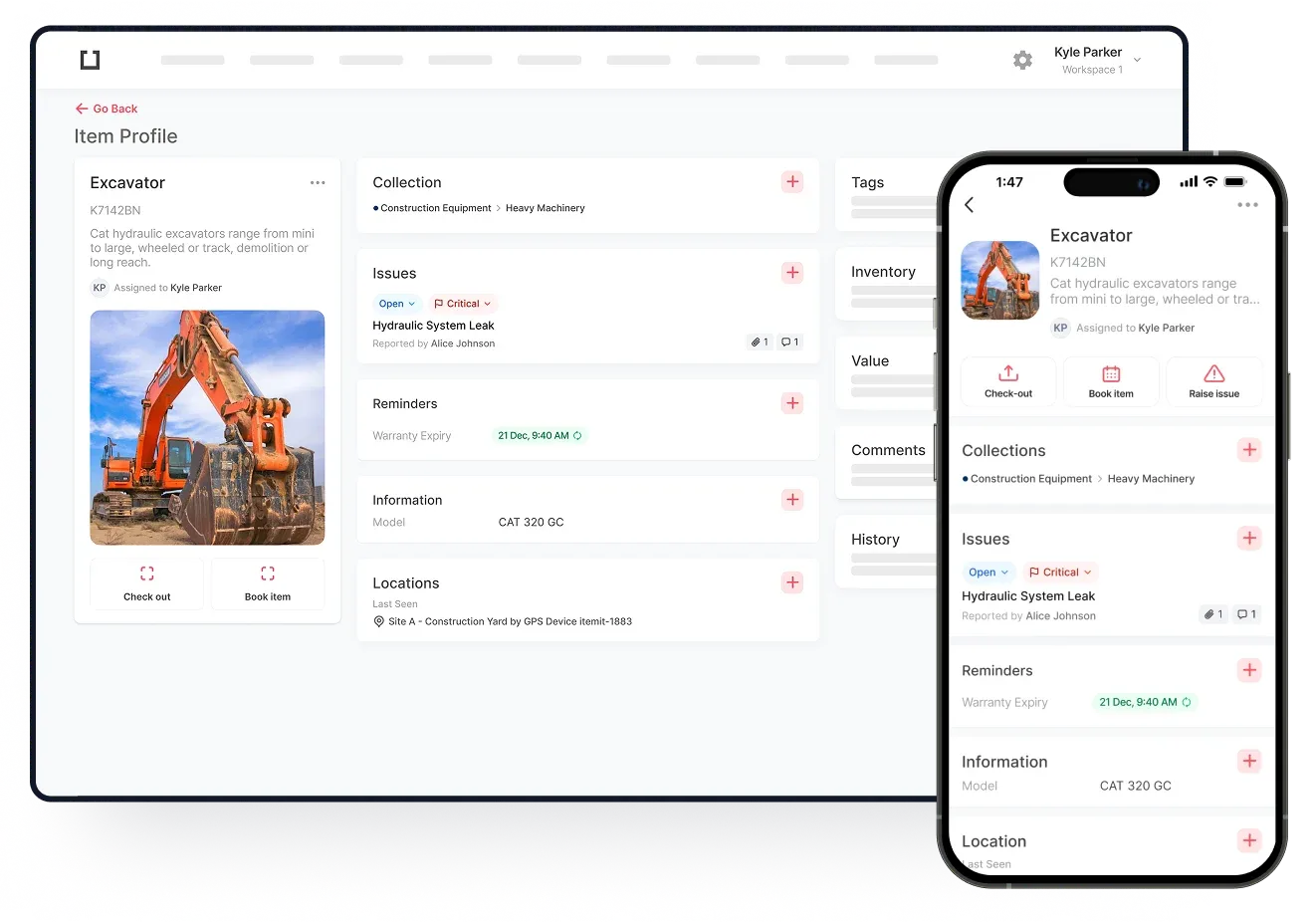
IT asset management software allows you to keep all of your business-critical assets logged in one cloud-based system. This means all the information you need about your assets is available at the click of a button. You'll get a clear picture of asset availability, condition, maintenance requirements and asset value which will help you to make informed decisions.
In fact, there's no downside to using IT asset management software. With an efficient solution in place, you'll save time and money by tracking asset location and usage, overall increasing accountability and responsibility for your assets.
We always recommend tagging your IT hardware too. This gives you a huge benefit in that the physical equipment is linked to the digital record. It means that to identify an asset and to interact with it, all you need to do is scan the asset's tag. It's super quick and easy to tag your assets, and we provide the complete solution including your ITAM software and your tags. See just how easy it is to tag and scan your assets here!
But what can you actually track with IT asset management software?
Hardware Asset Management
One of the most common facets of an IT asset management system is hardware asset management. This is the tracking of your physical IT hardware and includes any hardware, equipment and assets that are required to keep your business running smoothly.
Computers and Laptops
Every business in this day and age relies heavily, if not almost entirely, on PCs, computers and laptops. These pieces of hardware are too valuable and too critical not to track correctly. A simple IT inventory management solution lets you track and manage these critical IT assets with ease.
The very nature of IT hardware and equipment means that these assets are usually given to members of staff to allow them to undertake their jobs. It's, therefore, necessary for every business to record which assets are given to which member of staff. This is not only to ensure the business has an accurate view of what assets it owns but also to ensure GDPR compliance. When a member of staff leaves the business, all equipment, and hardware must be returned. A computer asset management system lets you see at a glance who has what and to tick those assets off when returned.

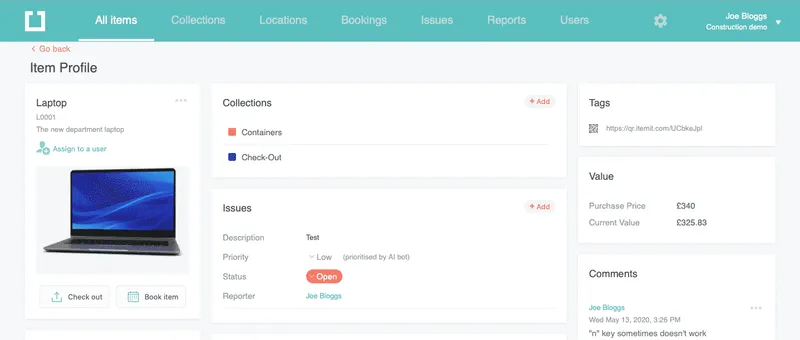
In addition to managing who assets are assigned to you can use your IT asset management software to manage asset inspection dates and warranty expiries. You can even allow staff members to report issues against unique pieces of IT equipment simply by scanning the asset tag.
Take a look at what kind of things you can track against a laptop:
Phones
Another important asset that comes under the umbrella of IT assets is your company phones. Depending on the nature of your business, this may be office phones and headsets, or it might also include company mobile phones given to staff. Either way, it's important to keep track of these assets in the same way we track computers and laptops. Your hardware asset management system will record who has each phone, when they're due for an upgrade and when existing contracts expire.
Hardware asset management is also extremely helpful when you are onboarding new members of staff. Your IT asset register will show you what assets the business has available for new starters and what you can assign to your new team members.