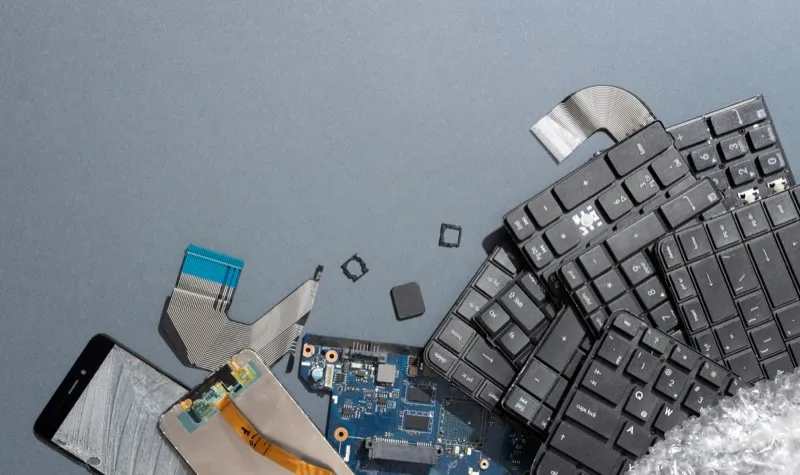
Properly managing IT assets is critical for modern companies, especially as data security concerns grow and technology lifespans shorten. IT asset disposition (ITAD) refers to the systematic process of securely, sustainably, and legally retiring IT assets, ensuring compliance with regulations and minimizing environmental impact.
This post will explain ITAD, its advantages, the challenges companies face, and how innovative tools, like itemit IT Inventory Software, streamline ITAD procedures for businesses of all sizes. Whether you’re refining your ITAD strategies or starting from scratch, this guide equips you to manage IT assets confidently.
Defining IT Asset Disposition (ITAD)
Understanding the role of IT asset disposition in managing the lifecycle of technology assets is essential. ITAD encompasses the responsible, safe, and sustainable disposal of outdated or underutilized IT assets. A well-structured inventory system forms the foundation of an effective ITAD strategy for small businesses. Below is a detailed guide to creating one tailored to your needs:
Step 1: Identify and Categorize Your IT Assets
Begin by listing all IT assets your business owns, such as laptops, servers, phones, and software licences. Categorize these assets based on type, usage frequency, and condition. A clear inventory structure simplifies tracking and supports a professional approach to IT asset disposition.
Step 2: Select the Right Inventory Management Tool
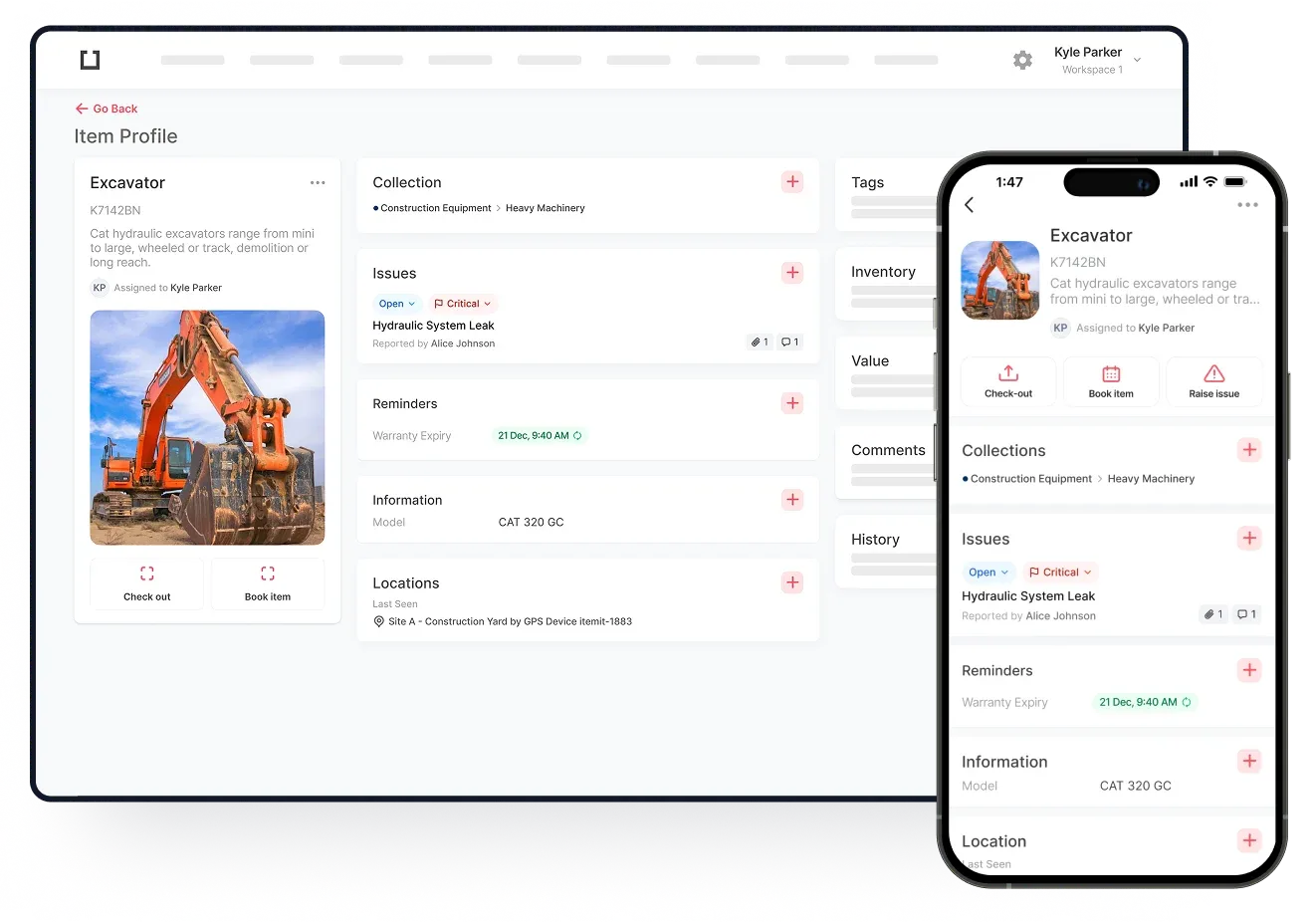
Choose an inventory management tool that aligns with your business needs. Cloud-based asset-tracking solutions like itemit provide scalability, real time updates, and ease of use, making them ideal for small businesses. Features like barcode scanning and automated updates reduce manual work and improve accuracy.
Step 3: Assign Ownership and Track Usage
Assign each asset to a specific team member or department. This step fosters accountability and ensures precise tracking of asset usage and condition. Monitoring asset usage helps identify when assets approach the end of their lifecycle, enabling proactive IT asset disposition planning.
Step 4: Set Policies for Asset Lifecycle Management
Develop clear policies detailing how and when assets will be retired or disposed of. Include guidelines for secure data wiping, recycling, and resale. These policies reduce data security risks and ensure environmental compliance.
Step 5: Integrate ITAD Processes into Your Inventory System
Integrate your IT inventory system with IT asset disposition processes. For instance, flag assets nearing obsolescence and automate reminders for evaluation and action. This integration ensures no retired assets are overlooked.
Step 6: Regularly Audit and Update Your Inventory
Conduct regular audits to maintain an accurate inventory. Update entries to reflect new acquisitions and retired assets. Routine audits ensure IT asset disposition processes remain effective and informed.
By implementing a tailored inventory system, your business can efficiently manage IT assets while adopting responsible and compliant ITAD practices. Leveraging itemit’s features ensures a seamless transition from asset use to disposal.
Key Components of ITAD
To grasp IT asset disposition (ITAD) fully, it’s crucial to understand its foundational elements. Among these, an effective inventory management system stands out. Let’s explore what this system entails and its role in supporting ITAD for small businesses.
What Is an Inventory Management System?
An inventory management system helps businesses track, monitor, and organise IT assets throughout their lifecycle. For IT assets, this system ensures you know what devices you own, where they are, and their current condition. Integrating this system with ITAD technologies allows informed decisions about asset retirement, recycling, or resale, ensuring compliance with ITAD requirements.
Types of Inventory Management Systems
1. Manual Inventory Management Systems
Manual systems rely on spreadsheets, physical logs, or handwritten records to track IT assets
Pros:
- Low initial cost, making it accessible for small businesses.
- Minimal training required for basic use.
- No reliance on technology, reducing risks of technical failures.
Cons:
- Time-intensive and prone to human error.
- Difficult to scale as the business grows.
- Limited integration with ITAD workflows or advanced automation tools.
2. Automated Inventory Management Systems
Automated systems use software platforms or cloud-based solutions to manage assets in real-time. Features often include barcode scanning, RFID tagging, and ITAD integration.
Pros:
-
Saves time by automating updates and alerts.
-
Scales effortlessly as your inventory grows.
-
Enhances accuracy and reduces human errors.
-
Facilitates smooth end-of-lifecycle transitions by integrating with ITAD workflows.
Cons:
-
Higher upfront costs, which might deter some small businesses.
-
Requires training for optimal use.
-
Relies on consistent data input and maintenance.
Which System Is Right for Your Small Business?
The choice between manual and automated systems depends on your business size, budget, and IT asset complexity. A manual system may suffice for a startup with a limited number of assets, but as you scale, the benefits of automation outweigh the initial investment. Automation ensures seamless integration with what ITAD means in practice—responsible, secure, and efficient asset disposition.
Whether you choose manual or automated tools, a robust inventory management system is the backbone of effective ITAD. It allows small businesses to adopt professional standards in managing IT assets while staying agile in a competitive marketplace.

ITAD Technologies and Solutions
Technology plays a pivotal role in effective IT asset disposition. Businesses increasingly rely on advanced ITAD technologies to track, manage, and dispose of IT assets responsibly. Innovations like itemit are reshaping how companies approach ITAD and stay competitive in a rapidly evolving market.
Overview of ITAD Technologies
-
Asset Tracking Tools
ITAD solutions include advanced tracking systems like barcode scanning, RFID tagging, and GPS-enabled tracking. These tools provide real-time visibility into your IT asset inventory, ensuring efficient lifecycle management.
-
Cloud-Based ITAD Platforms
Cloud platforms offer centralized IT asset management, including automated alerts, compliance tracking, and secure data destruction logs. itemit’s cloud-based capabilities make asset disposition effortless and compliant.
-
Data Erasure and Security Software
Secure data destruction is critical. Specialized software ensures permanent data removal, meeting regulatory standards and protecting sensitive business information.
-
Analytics-Driven Solutions
Predictive analytics tools enable businesses to anticipate asset obsolescence, optimise usage, and plan upgrades or replacements. These insights drive proactive ITAD decisions.
What Is Digital ITAD?
Digital ITAD refers to technology-driven processes that modernize traditional ITAD workflows. By automating tasks and leveraging real-time tracking, digital ITAD simplifies asset lifecycle management while enhancing data security and compliance.
Benefits of Digital ITAD for Modern Organisations
-
Enhanced Efficiency: Automation reduces time spent on manual tasks.
-
Real-Time Insights: Dynamic tracking ensures accurate inventory records.
-
Stronger Data Security: Secure data erasure tools minimize risks.
-
Regulatory Compliance: Built-in compliance tracking meets environmental and data protection standards.
-
Cost Savings: Optimised asset utilisation reduces waste and costs.
Cloud-based Inventory Management Systems for Small Business
Small businesses are embracing cloud-based inventory systems to simplify ITAD processes. With flexibility, scalability, and real-time capabilities, these systems align perfectly with the demands of modern IT asset management.
Benefits of Digital ITAD for Modern Organisations
Operating entirely online, cloud-based systems allow users to access, update, and track inventory from anywhere.
These systems are particularly valuable in asset disposition management, enabling seamless integration with processes like IT asset tracking, retirement, and secure data erasure.
How Cloud-Based Systems Differ from Traditional Systems
|
Feature |
Traditional Systems |
Cloud-Based Systems |
|
Accessibility |
Limited to on-site access |
Accessible anywhere via the internet |
|
Scalability |
Requires additional hardware for scaling |
Scales easily with subscription upgrades |
|
Updates |
Manual updates and upgrades |
Automatic updates with no downtime |
|
Integration |
Often lacks integration capabilities |
Integrates with IT tools for secure IT asset disposition |
Benefits of Cloud-Based Inventory Management Systems
- Real-Time Asset Tracking
Cloud systems offer real-time updates on IT asset status, location, and usage. This is crucial for businesses managing the lifecycle of assets and planning IT asset disposition processes. - Cost-Effective Scalability
Small businesses can start with a basic package and scale up as their needs grow. There’s no need to invest in costly hardware or IT support for expansion. - Improved Security
Security is a top concern in the IT asset disposition industry. Cloud-based systems use encryption, multi-factor authentication, and secure data backups, ensuring safe handling of sensitive information during asset retirement. - Enhanced Collaboration
With centralized data accessible to authorized team members, cloud systems facilitate collaboration across departments. Teams can coordinate on asset use, maintenance, and disposal more efficiently. - Integration with Asset Disposition Tools
Cloud platforms often integrate directly with ITAD services, enabling businesses to automate parts of the asset disposition management process, such as scheduling device pick-ups, tracking recycling, or securely wiping data. - Regulatory Compliance Made Easy
Built-in compliance features help small businesses adhere to environmental and data protection regulations, critical for secure IT asset disposition. These systems automatically generate audit trails and compliance reports, saving time and reducing risks.
Empowering Small Businesses with Cloud Solutions
Cloud-based inventory management tools provide small organisations with a revolutionary chance to properly and ethically manage IT assets. Companies can adopt more dynamic, secure, scalable solutions that fit perfectly with the needs of the contemporary IT asset disposal sector by switching from conventional systems.