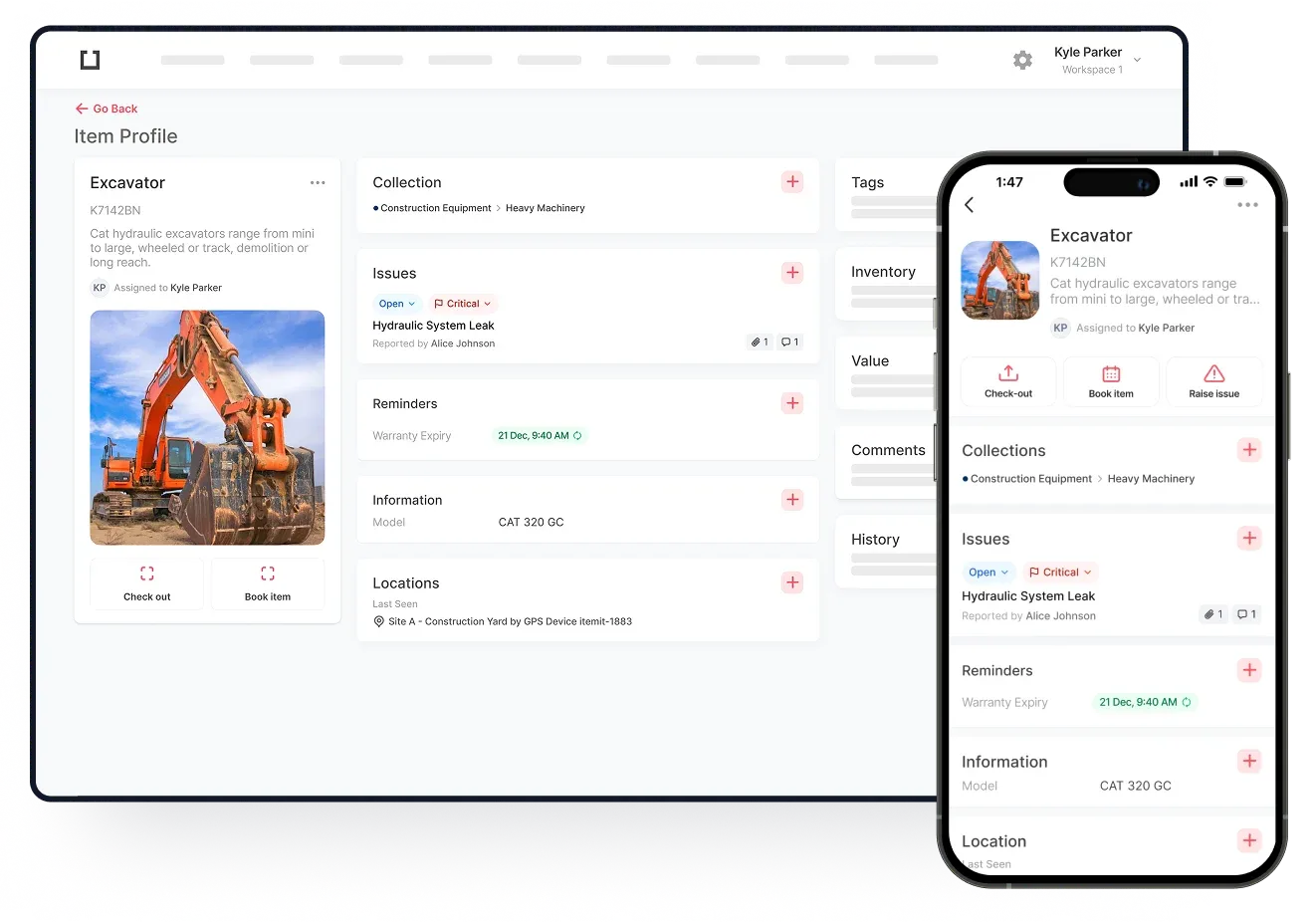
Asset tags speed up your asset tracking operations. They integrate with your asset tracking software, allowing you to discover, manage, and edit your asset information with ease.
Generally, you will be able to print off your own asset tags. However, in some situations, you may need to use custom asset tags for more durability. For example, if you're implementing construction equipment asset tags, you may need tags that have more durability.
Find out more about the ways custom asset tags can improve your asset tracking here.
How Do Asset Tags Work?
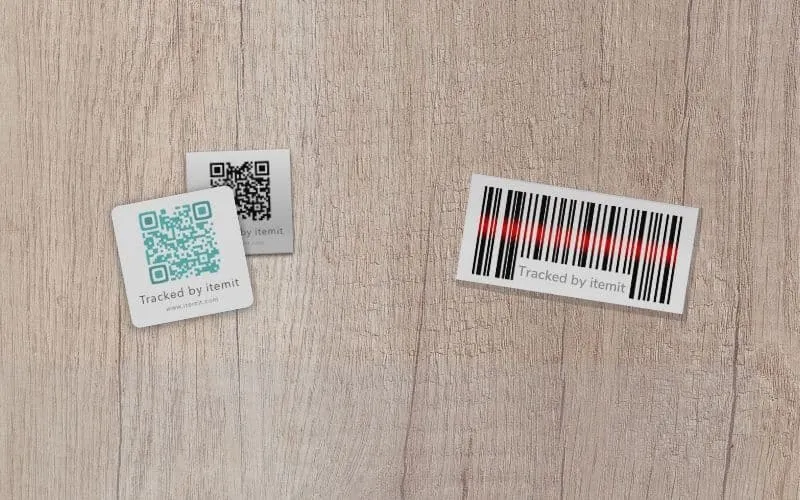
Asset tags contain a unique ID that you can link to your assets. As your assets are unique, they must have a unique identifier to be able to link the assets themselves to your asset tracking software.
In other words, each asset will have a unique profile in your asset management system. So, if you're tracking your IT assets, each laptop will have a unique profile with unique information.
You will then tag your assets with your unique asset labels and link the data, so the physical tags are linked to the corresponding assets. This means that you'll be able to scan a tag with your asset tracking app to retrieve the asset's data.
Every time you scan a tag, too, a few things happen:
- The last seen location updates
- The user who scanned the tag is logged
- The time of the scan is logged
- The asset's profile opens, ready for you to use a range of helpful features
 Watch video