Asset Register
Build & Manage Your Register in Minutes
Maintain a flawless audit trail, streamline your tracking, and ensure your entire asset portfolio is accounted for with a single source of truth.
Free 1:1 Strategy Walkthrough
See itemit tailored to your workflow
Unlock 10% off any paid plan

Why Use an Asset Register?
Transition from disorganized spreadsheets to a dedicated cloud solution in just a few clicks.

Save Hours of Effort
Replace spreadsheets with an automated system that speeds up audits, simplifies location tracking, and generates accurate reports instantly.

Improve Accountability
Know exactly who has what item, where it is located, and when it is due back to reduce equipment losses and unauthorized usage.

Ensure Compliance
Maintain a comprehensive history of maintenance, compliance checks, and secure a complete audit trail for regulatory bodies.
What Is an Asset Register?
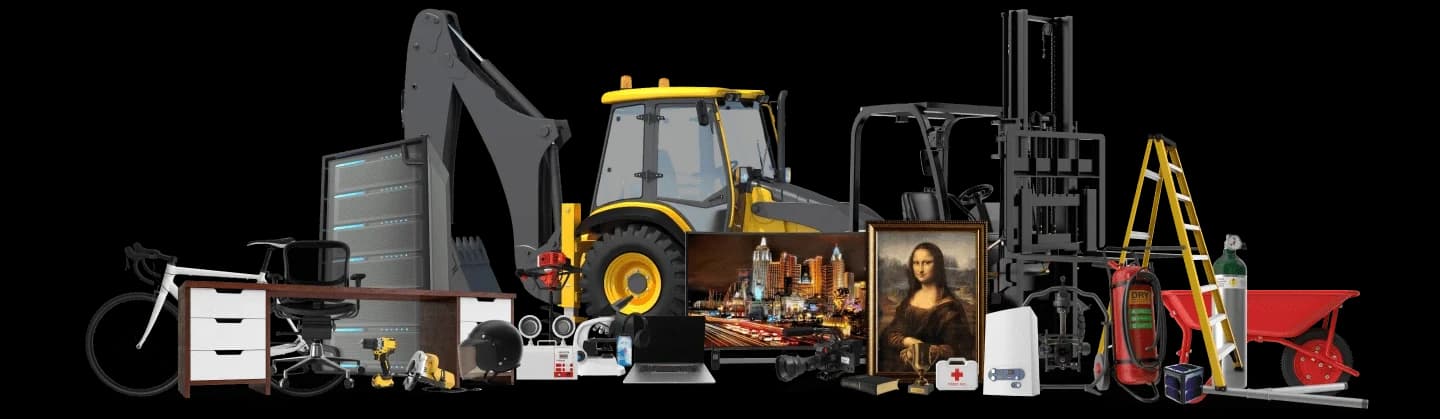
An asset register is a centralised, comprehensive list of all the fixed assets and equipment a business owns and controls. At its core, it acts as the definitive single source of truth for an organisation’s tangible and intangible assets. Whether it's heavy machinery, corporate IT equipment, vehicles, or specialized medical tools, a meticulously maintained asset register ensures that asset data—such as location, condition, value, and assignment—is always accurate and up-to-date.
Traditionally, many businesses attempted to manage their asset portfolios using rudimentary spreadsheets or generic document databases. However, as organizations expand, these manual methods invariably lead to data silos, version control chaos, and costly human errors. Today, modern companies utilize specialized digital asset tracking software to maintain a living, breathing database that updates in real-time as items are scanned, moved, or serviced.
What Should Be Included in Your Register?
Building a robust register requires more than just noting down what equipment you have. To unlock the full potential of your asset data—for insurance compliance, proactive maintenance, and accurate depreciation calculations—you need to capture rich details about every item. If you want a deep dive into data points, read our comprehensive guide on what to include in a fixed asset register. Alternatively, see the essential checklist below.
- Unique Asset Identification Number (ID/Barcode)
- Detailed Description and Category
- Manufacturer, Make, and Model
- Serial Number and Warranty Expiry
- Purchase Date and Original Cost
- Current Assigned Location or Site
- Custody Details (Who has it currently?)
- Maintenance and Inspection Schedules
- Depreciation Method and Current Value
- Disposal Date and Reason (for retired assets)
How to Create an Asset Register in 4 Simple Steps
Transitioning to a structured digital register might sound like a massive undertaking, but with the right framework, it is a straightforward process. Follow these core steps to build an accurate database from the ground up:
Conduct a Physical Audit
You cannot track what you do not know you possess. The first step involves physically verifying the existence, condition, and location of every piece of equipment. Assemble your team and walk the floor to compile an initial master list, noting any discrepancies between old records and current reality.
Tag Assets with QR or RFID
Attach a durable QR code, barcode, or RFID tag to every piece of equipment. This physical tag provides a bridge to your digital database. When using itemit, a simple smartphone scan of these tags instantly retrieves the item's complete history, warranty details, and maintenance logs.
Import Data into Centralised Software
Migrate your verified data into a dedicated platform. Rather than manually typing details, itemit allows you to bulk-import your existing spreadsheets. Our system maps your columns automatically, transforming a static spreadsheet into a dynamic, cloud-based register in seconds.
Establish Ongoing Workflows
A register is only as good as its most recent update. Implement company-wide guidelines for checking items in and out, performing routine maintenance, and logging daily usage. With mobile-first tools like the itemit app, employees can seamlessly update asset records from the field, ensuring the register is permanently accurate.
Frequently Asked Questions
An asset register tracks fixed assets—items a business uses over a long period to generate income (e.g., machinery, laptops, vehicles). Inventory, on the other hand, consists of goods or materials that a business intends to sell or consume rapidly (e.g., retail products, raw materials).
A cloud-based register provides real-time access from any device, eliminates version-control issues commonly found in spreadsheets, automates backups, and enables teams to update asset locations and conditions instantly from the field using a mobile app.
To maintain an accurate single source of truth, the register should be updated continuously whenever an asset is purchased, moved, repaired, or disposed of. Using barcode or RFID scanning software makes these real-time updates effortless.
Yes. Most modern asset tracking solutions, including itemit, feature bulk import tools that allow you to seamlessly transition your existing spreadsheet data into a dynamic cloud register without losing historical information.
While the finance or IT department typically oversees the master register for auditing and depreciation purposes, maintaining accuracy is a collaborative effort. With a user-friendly app, all field workers and employees can log usage, report faults, and track locations.
Ready to Modernise Your Asset Register?
Stop relying on outdated spreadsheets. Join thousands of businesses worldwide using itemit to automate their fixed asset tracking, simplify audits, and save hours of administrative work.